Dictate locally
Use local Whisper dictation on the desktop. Insert text, keep a transcript and work without a cloud transcription subscription.
QuotaVoice
VERSION 1.1 · RARE DATA
NOW FREE · DESKTOP + iPHONE REMOTE
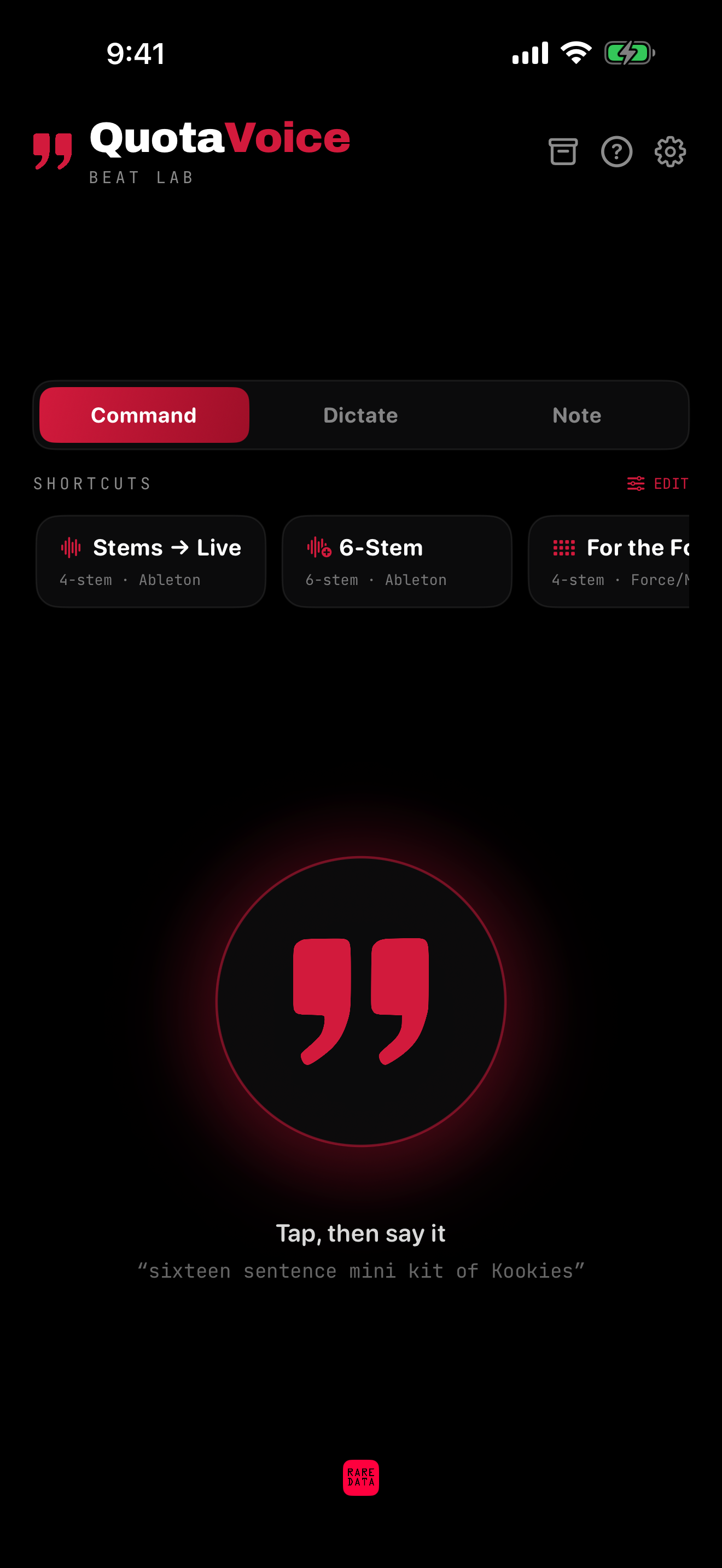
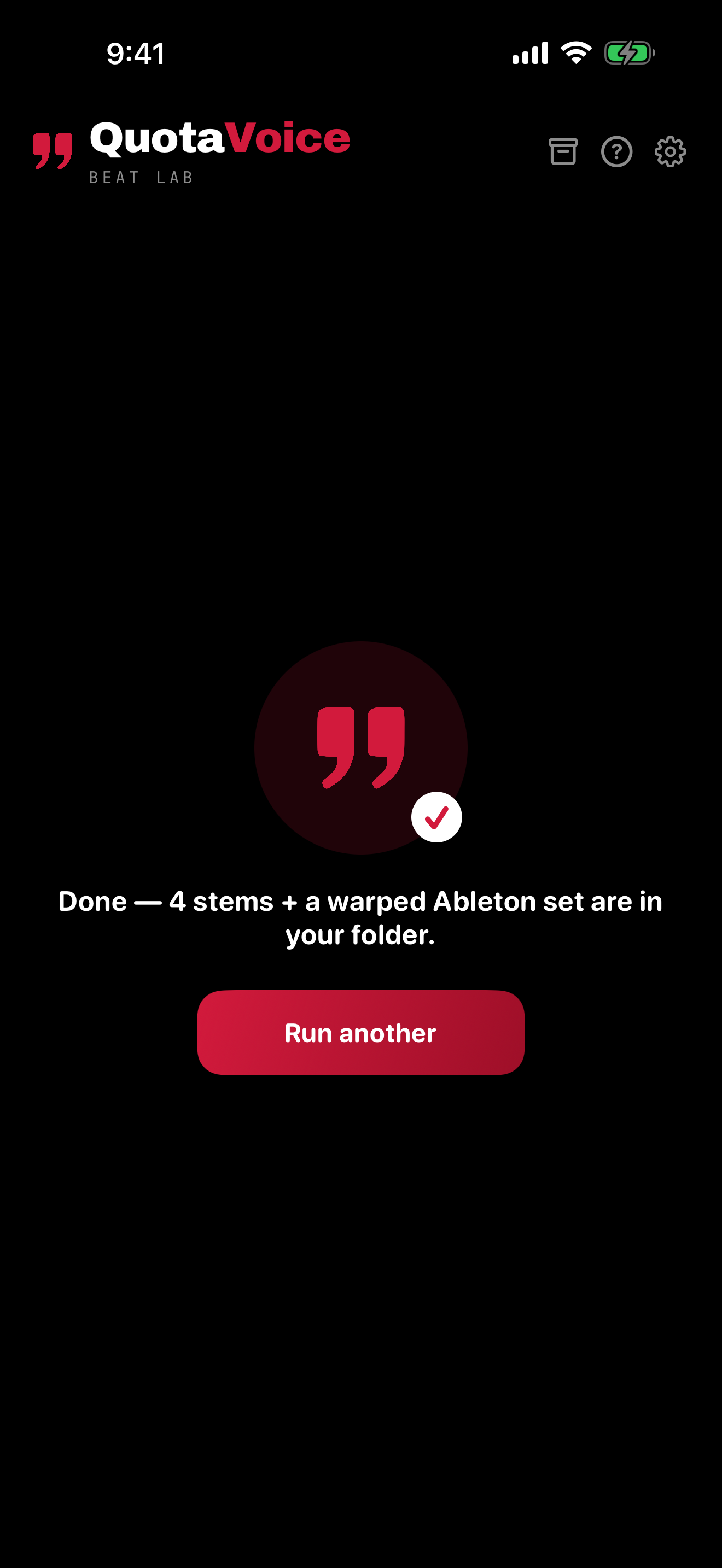
Speak a command from your phone. Your computer separates the stems, builds the kit and sends the finished files to your Force through Rare Data HQ.
Mac + Windows · Installed through Rare Data HQ · No account required
Quota Voice also brings local dictation and commands to your desktop. Pair the free iPhone Remote, review the plan and confirm what runs. Your computer does the processing.
QUOTA VOICE REMOTE · iPHONE
Pair the free iPhone Remote with Quota Voice on your computer.

THE CONNECTED WORKFLOW
Get Quota Voice through HQ and add its free permanent key. Your existing dictation and command tools remain available.
Install Quota Voice Remote from the App Store and pair it with your desktop using the QR code.
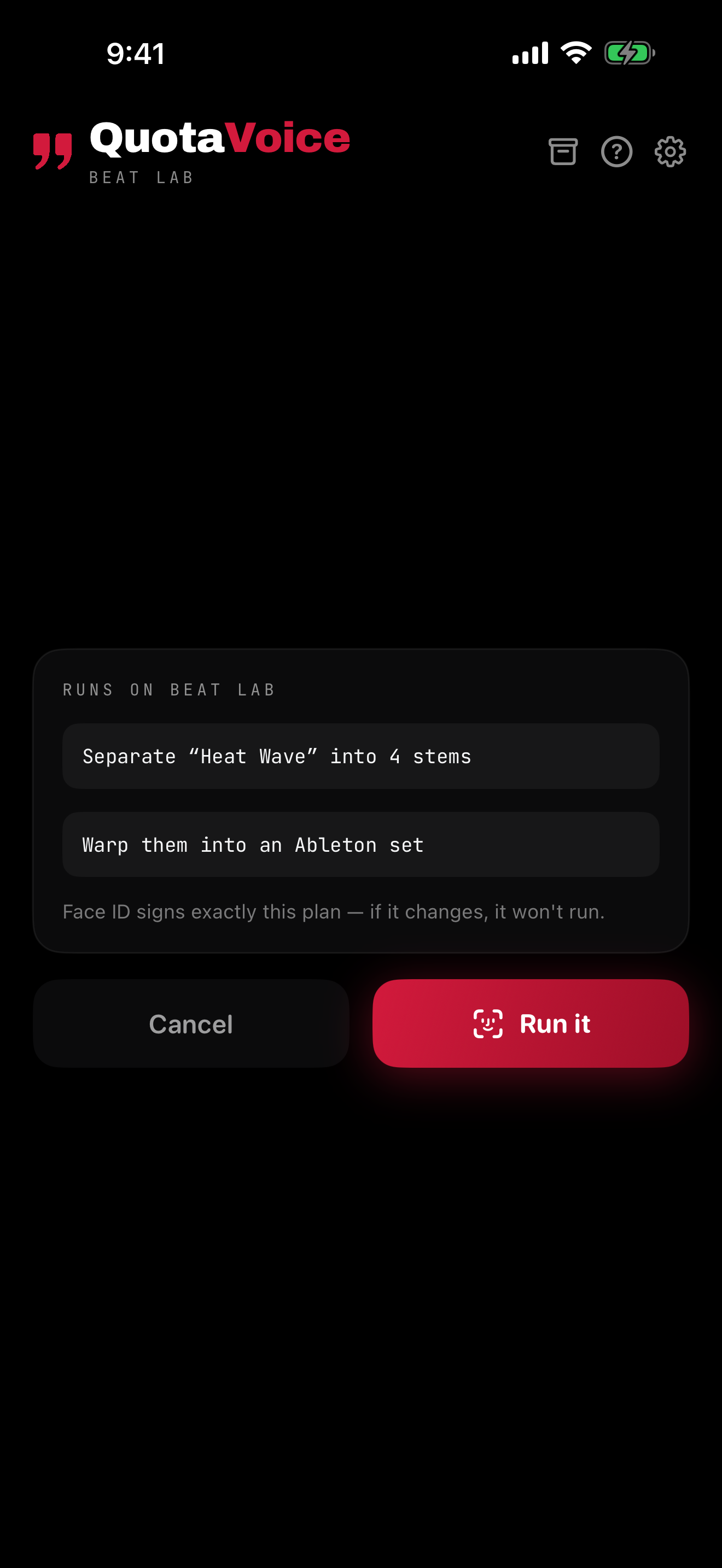
Ask for stems or a Song Kit by voice. For a remix, tap Remix Kit and choose the song and your beat from the computer’s file list, or use a saved song link. Review the plan and confirm with Face ID.
Your awake, connected computer runs the job. HQ delivers the completed export to the Force, ready for you to open.
INSIDE QUOTA VOICE
Use local Whisper dictation on the desktop. Insert text, keep a transcript and work without a cloud transcription subscription.
Ask for a local song or supported URL to be separated, build the Force export and send it through HQ. The destination is shared with Stems and Kits.
Speak a Song Kit command or use the Remix Kit shortcut to pick the inputs. Choose whether HQ sends the result to Force. Kits still requires its own license.
The paired phone sends commands to your computer through an encrypted relay. It does not do the desktop separation job or automatically identify music playing nearby.
RARE DATA HQ · FORMERLY QUOTA HQ
Connect your Force once in HQ. Browse its drives, make a folder and choose where the next set or kit should land. The transfer queue stays on your computer and verifies the files before marking them delivered.
Force delivery requires existing root SSH access and writable storage. HQ does not unlock firmware. Akai Force is tested; other MPC models still need hardware testing. Stems, Kits and Voice run on Mac and Windows. Linux HQ can send existing exports and install RD303.
Explore HQ Devices →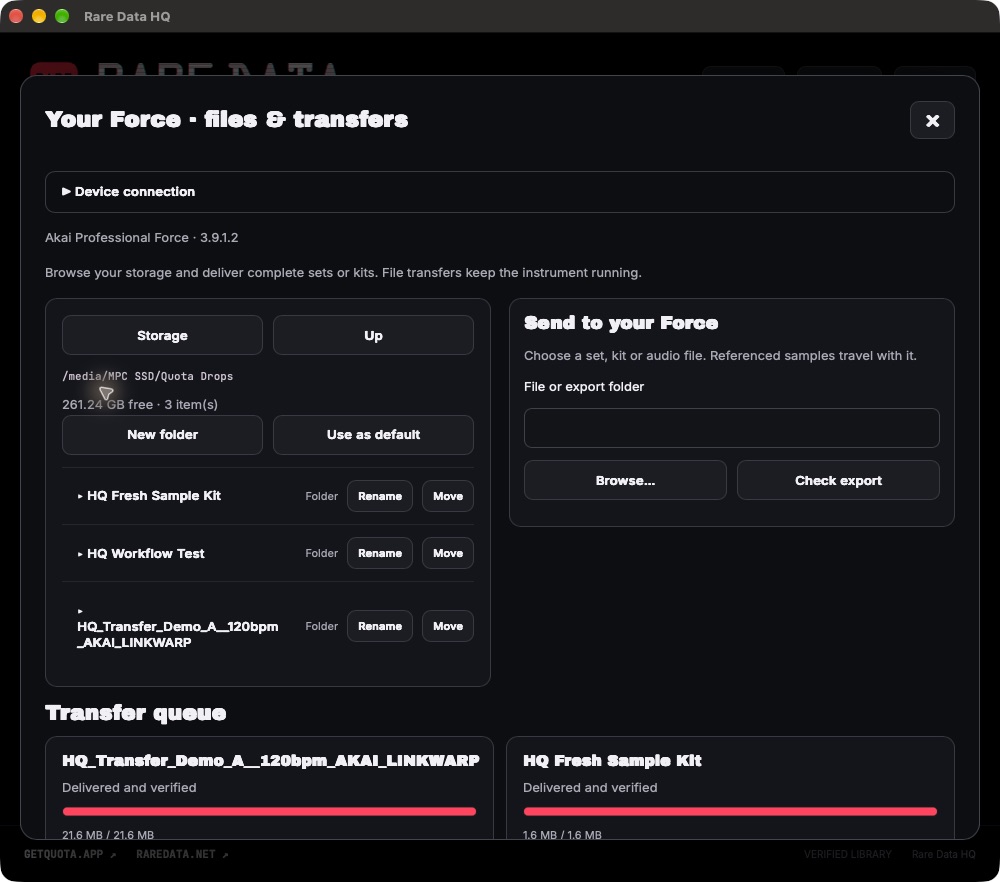
BEFORE YOU DOWNLOAD
Yes. Get the free permanent activation key with the download, or from this page. Current builds may still display trial or purchase language until you add that key.
Yes, through the paired phone Remote. Your computer must be awake with Voice running, and must be able to reach the Force. The Force also needs to be on.
No. Dictation and Voice are free, and Quota Stems is free. Commands that use Kits, DS or another paid app require that app’s own license.
It transfers the completed files to your chosen folder. Open the project or program on the Force when you are ready to play.
If Quota Voice shows a trial countdown or asks you to buy a license, use this free key. It works on Mac and Windows, including expired trials. Your transcripts and settings stay put. Once activated, no renewal or internet connection is needed for the license.
QuotaVoice
Mac + Windows · Installed through Rare Data HQ · No account required
The Quota Collection: DS + FX + Kits for $39.99. Stems, Voice and HQ are free.