
A folder of samples in.
A playable rack out.
Drop a folder, get a kit for Ableton, MPC, or the SP.
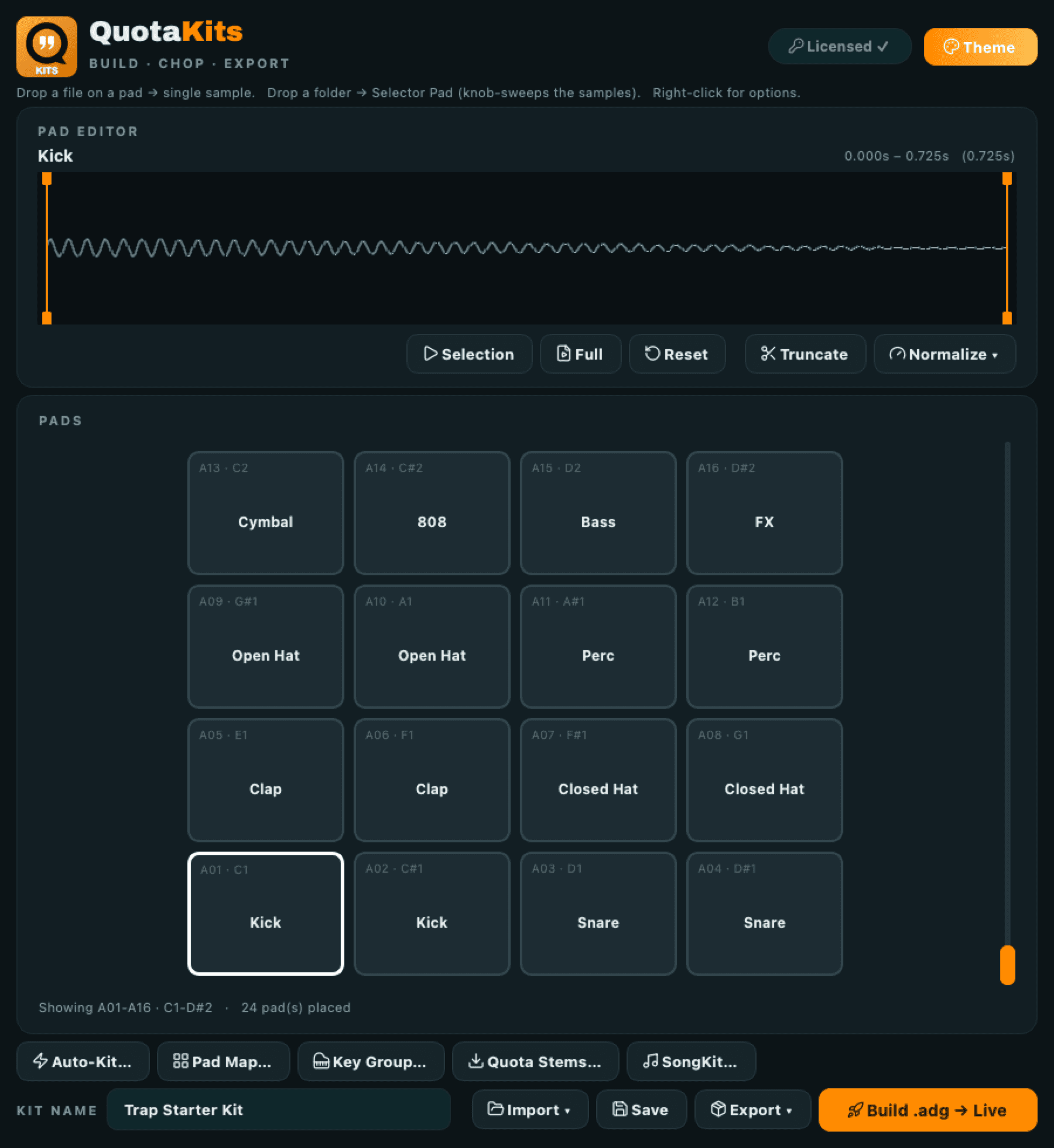
Drop a file on a pad and you get a one shot. Drop a folder on a pad and you get one knob that sweeps every sample in it. Auto-Kit takes a whole folder and lays it out across the grid by sample type, on the pads you picked. Then build it out as an Ableton drum rack, an MPC drum program, or a numbered folder for the SP-404.
macOS and Windows. No account.
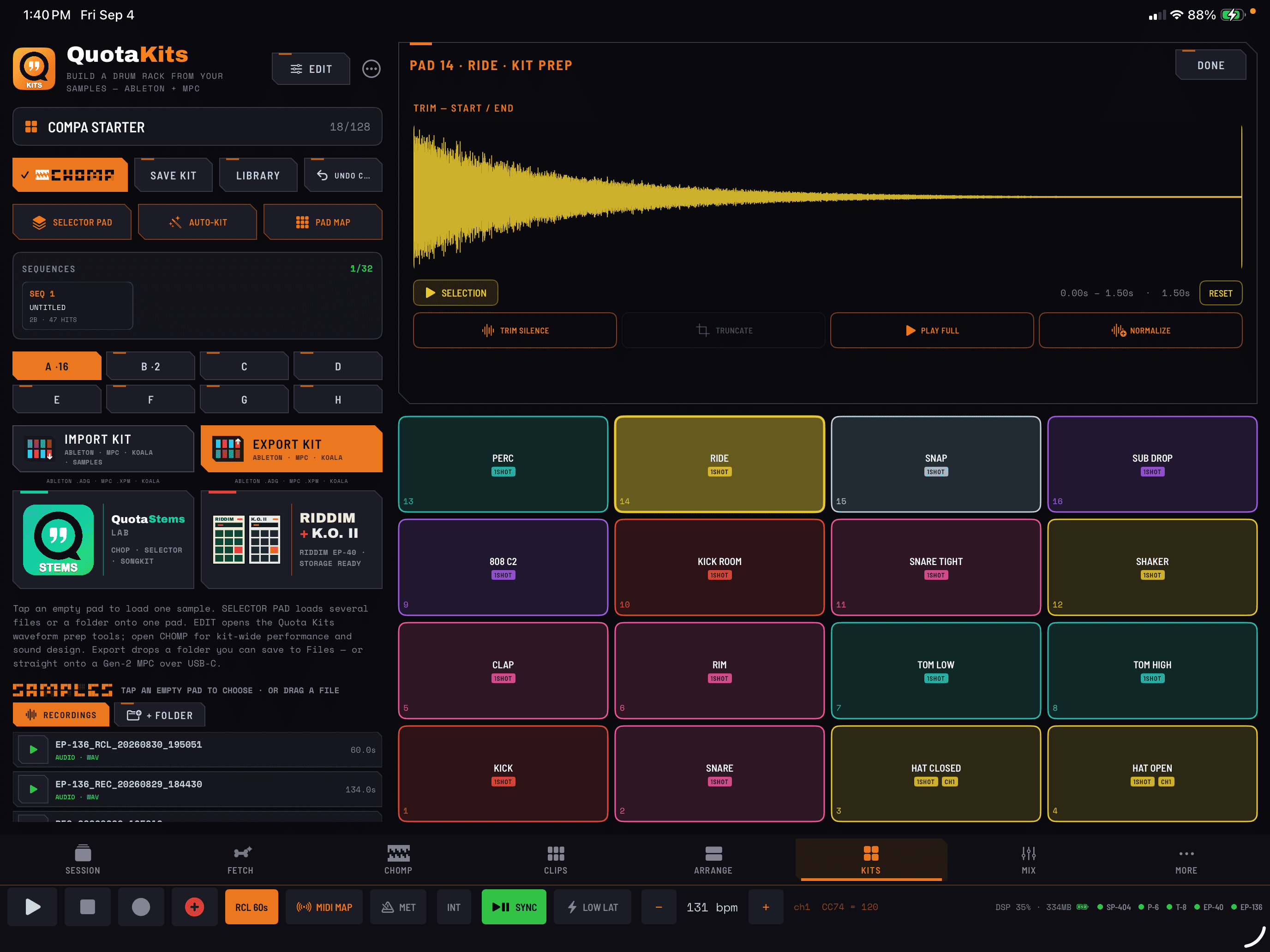
Coming September 9 to iPhone and iPad
Quota Kits, inside COMPA.
Build, organize, import, and export sampler kits on your iPhone or iPad. Included when you own COMPA. No additional feature purchase.
The questions people actually ask.
How do I turn a folder of samples into a drum rack fast?
Drop the folder on Quota Kits and run Auto-Kit. It drops the samples onto pads by recognized sample type. Then hit build and you have an Ableton drum rack (.adg). The same layout also writes an MPC drum program (.xpm) and a numbered folder for the SP-404, Koala, or Maschine, with the caveat below about what a Selector Pad turns into in each one.
Can one pad hold a whole folder of samples?
Yes. Drop a folder onto a pad instead of a single file and Kits builds a Selector Pad: every sample in that folder spread across the Selector, with one knob that sweeps through them. This is the Selector Pad workflow. Instead of a pad per snare you get one snare pad and a knob that walks the whole pack.
Will it put my kick on the same pad every time?
That is what the Auto-Kit Pad Map is for. You pin each sample type to the pad you want it on, once. From then on Auto-Kit honors that map on every folder you feed it, and falls to the next free pad when a pad is already taken. Your muscle memory carries between kits.
Can I trim samples without leaving the app?
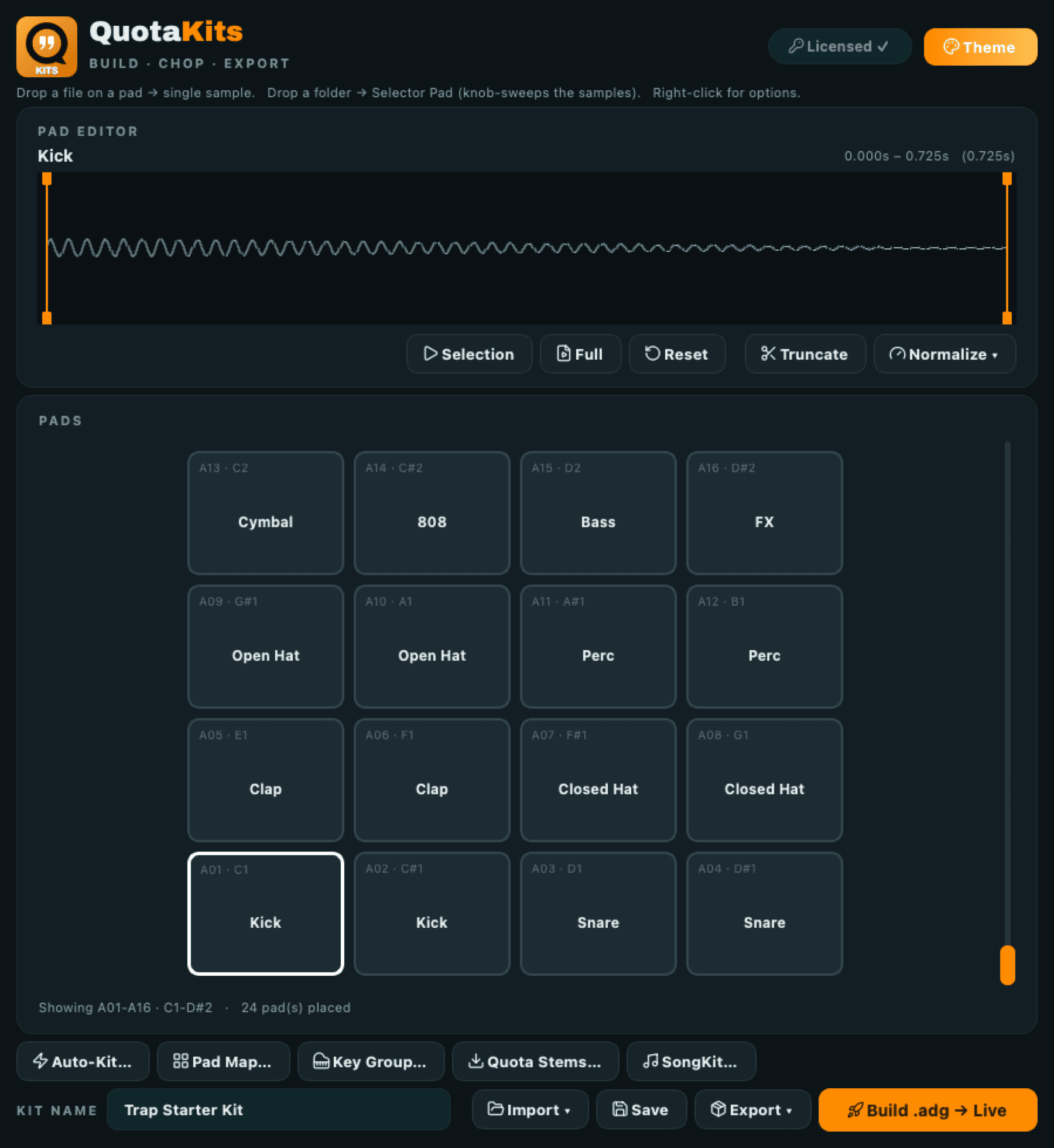
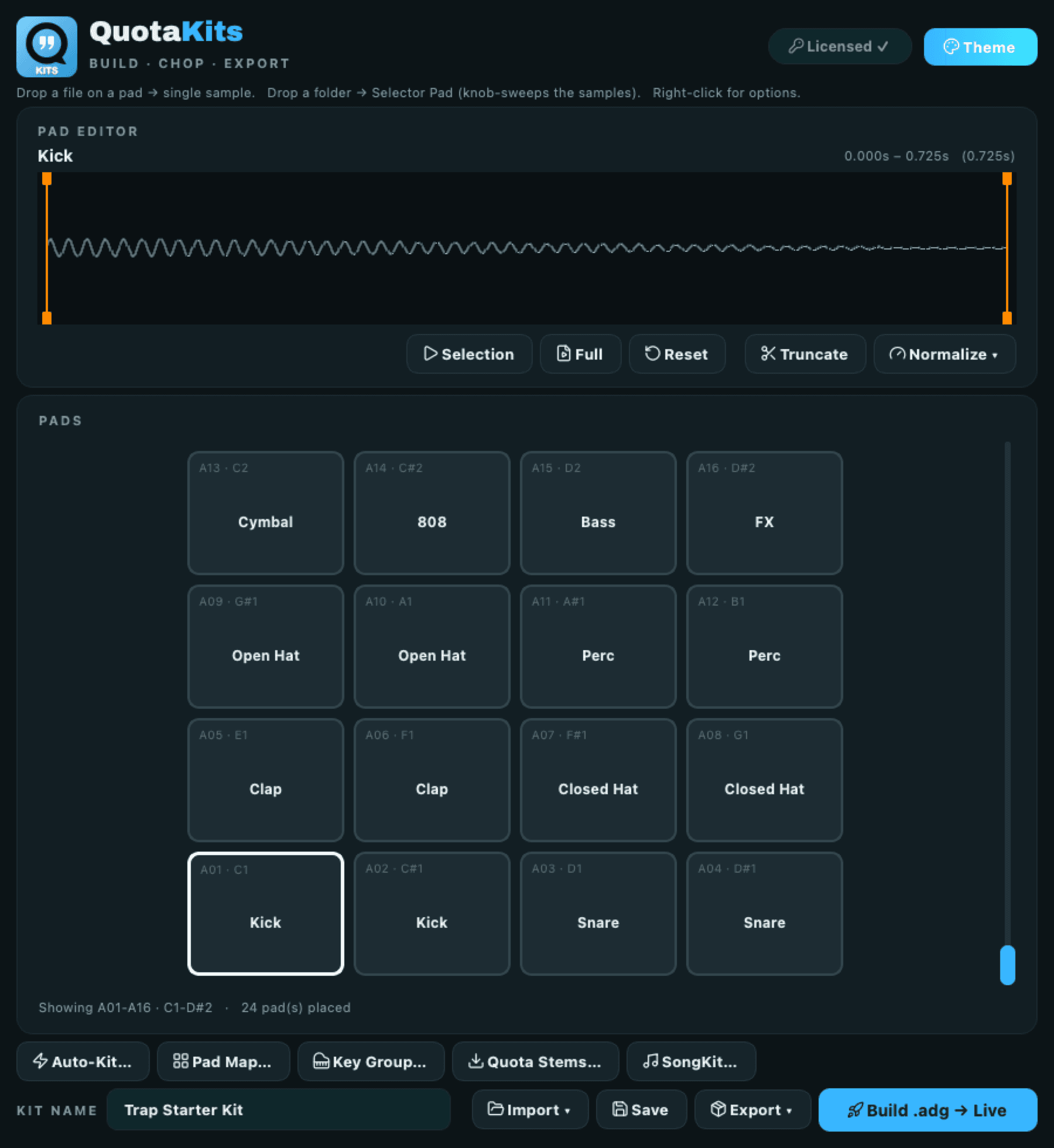
The Pad Editor has the waveform with two trim handles, drawn in your theme accent. Selection, Full, Reset, Truncate, and Normalize are right there. Truncate writes a trimmed copy and repoints the pad at it, so your original files are never touched.
What is the fastest way to get stems onto pads?
Split the song in Quota Stems and send the split drum folder over. Quota Kits picks up the handoff and opens Import already pointed at that folder. Separate a track, then play its drums back as a rack, without hunting through Finder in between.
Lay it out once. Send it everywhere.
Looks and moves like the rest of the apps
Uniform pads, Lucide icons, bright themes, the Archivo wordmark. It reads clean at a glance and sits next to Quota Stems and the rest without looking like its own thing.
Drop a file, drop a folder
A file on a pad gives you a single sample. A folder on a pad gives you a Selector Pad that spreads those samples across one sweepable knob. Same gesture, two very different pads.
Selector Pads
One pad, one knob, the whole folder underneath it. Sweep it while the loop runs, or leave it parked on the one you like. It survives in full in the .adg export.
Auto-Kit
Point it at a folder and it drops the samples onto pads by recognized sample type. A messy pack becomes a laid out kit without dragging anything.
Auto-Kit Pad Map
Pin each sample type to the pad you want it on. Set it once and Kits remembers it, using the next free pad when your first choice is occupied.
Pad Editor
Waveform with two trim handles in your theme accent, plus Selection, Full, Reset, Truncate, and Normalize. Truncate writes a trimmed copy and repoints the pad. Originals are never touched.
Full grid, 16 at a time
A 4x4 grid of note named pads with a slider to reach all 128 slots. You see the pads you are playing, not a wall of squares.
Build to Ableton
Writes an .adg drum rack that opens straight in Live. This is the only export that carries a Selector Pad whole, so if the sweep is the point, build the .adg.
Build to MPC
Writes an MPC drum program (.xpm) from the same layout. A Selector Pad flattens to four velocity layers on the way out, because that is what the format holds.
Build to SP-404, Koala, Maschine
Writes a numbered folder. One WAV per sample, so a Selector Pad comes out as its samples rather than as a sweep.
Quota Stems handoff
Quota Stems can hand a split drum folder straight over. Kits opens Import on the folder it was sent.
No account, nothing phones home
It runs on your machine. There is no sign in and no upload step.
macOS and Windows
Both, from the same page.
Working on a kit once it is laid out.
The grid is a 4x4 of note named pads with a slider to reach all 128 slots, so you are looking at the pads under your fingers instead of a wall of squares.
Sample work happens in the Pad Editor. It has the waveform with two trim handles drawn in your theme accent, and Selection, Full, Reset, Truncate, and Normalize sitting right there. Truncate writes a trimmed copy and repoints the pad at it, so nothing you dropped in ever gets modified. Your source folder is the same after you leave as it was when you started.
The Auto-Kit Pad Map is the setting worth doing once. Pin each sample type to the pad you want it on, and from then on every folder you feed Auto-Kit lands the same way, falling to the next free pad when your first choice is taken. Your muscle memory carries between kits instead of resetting with every pack.
And if the samples are coming out of a song rather than a pack, split it in Quota Stems and send the drum folder over. Kits picks up the handoff and opens Import already pointed at that folder.
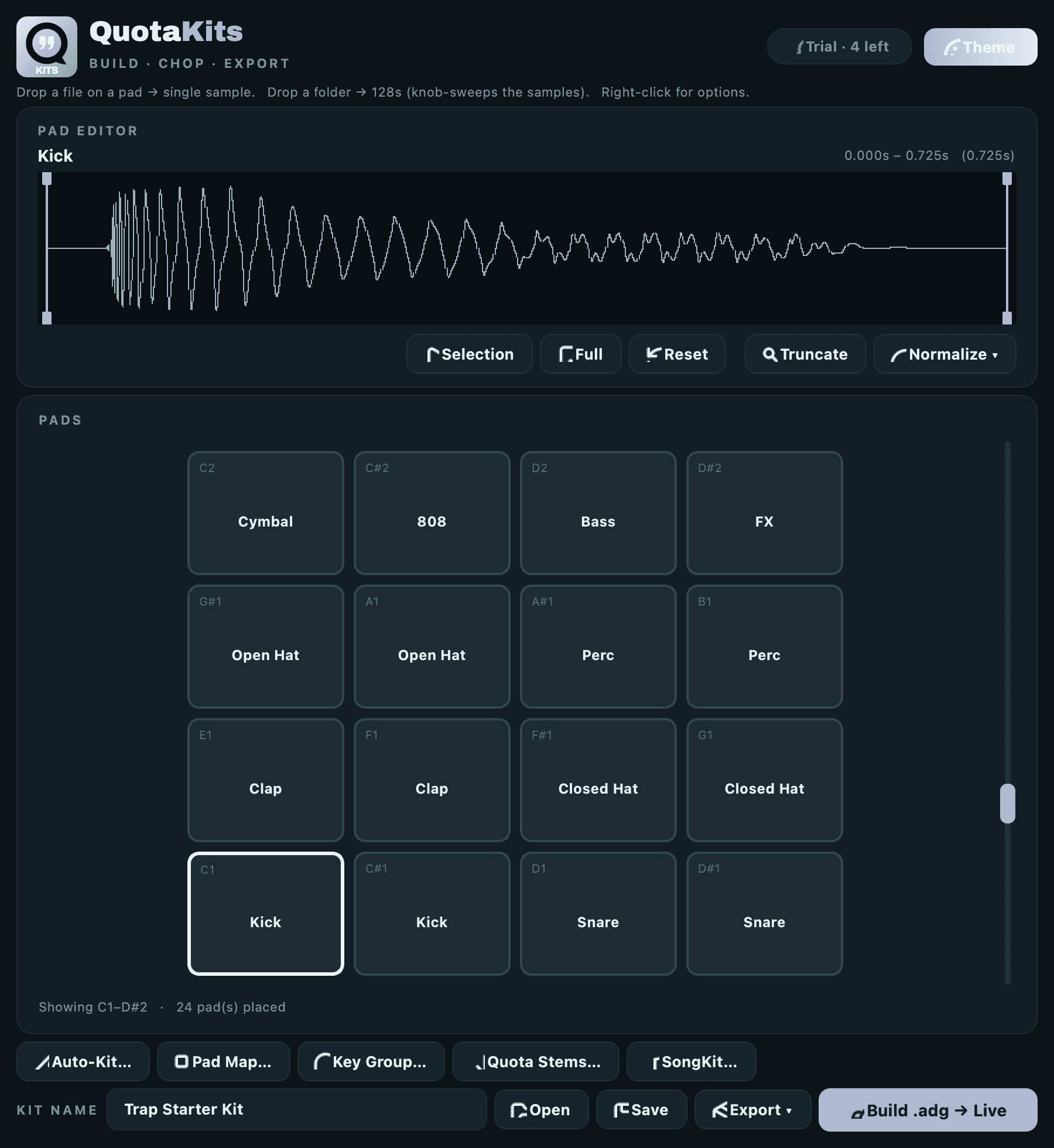
Bright themes, top to bottom.
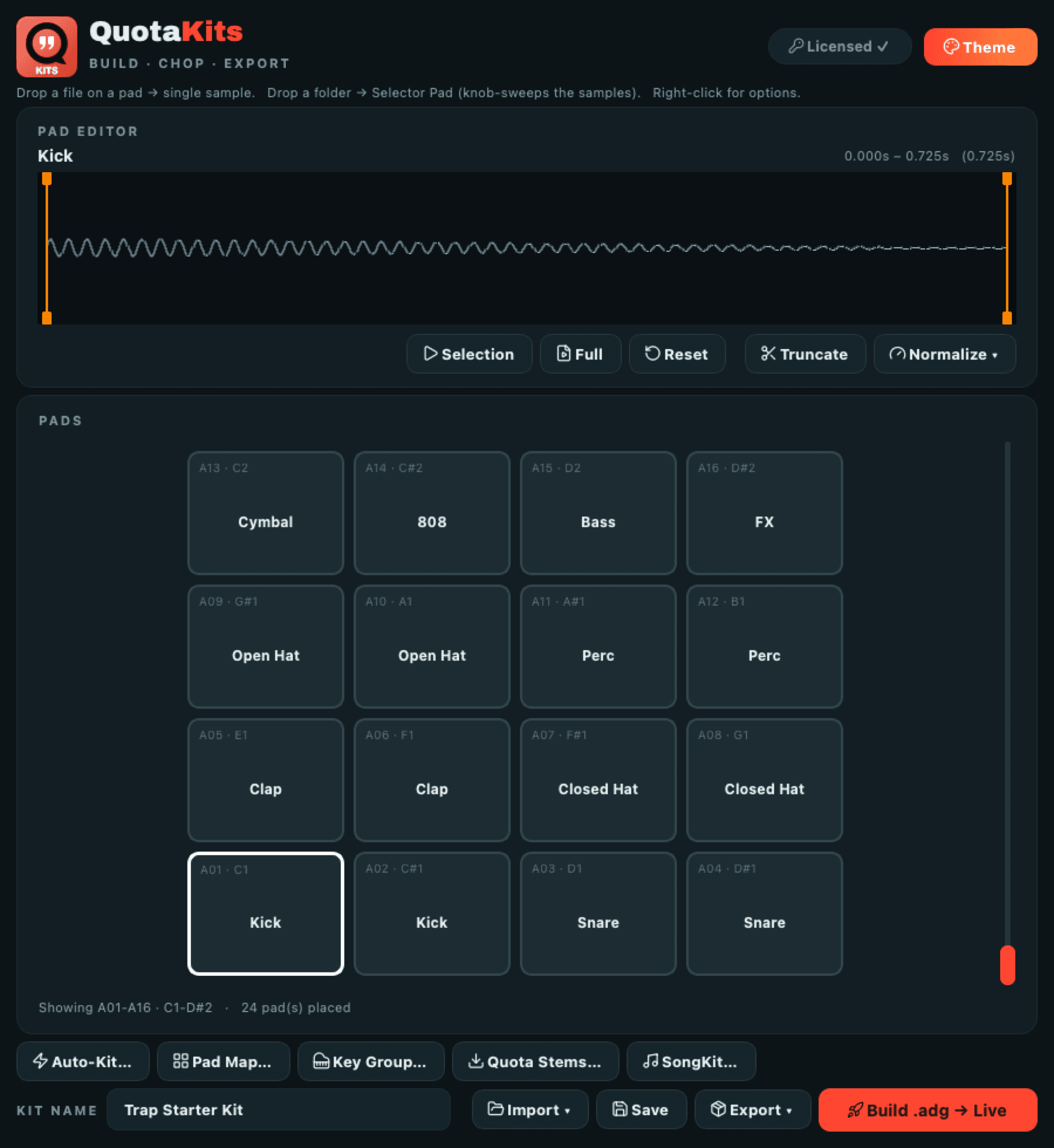
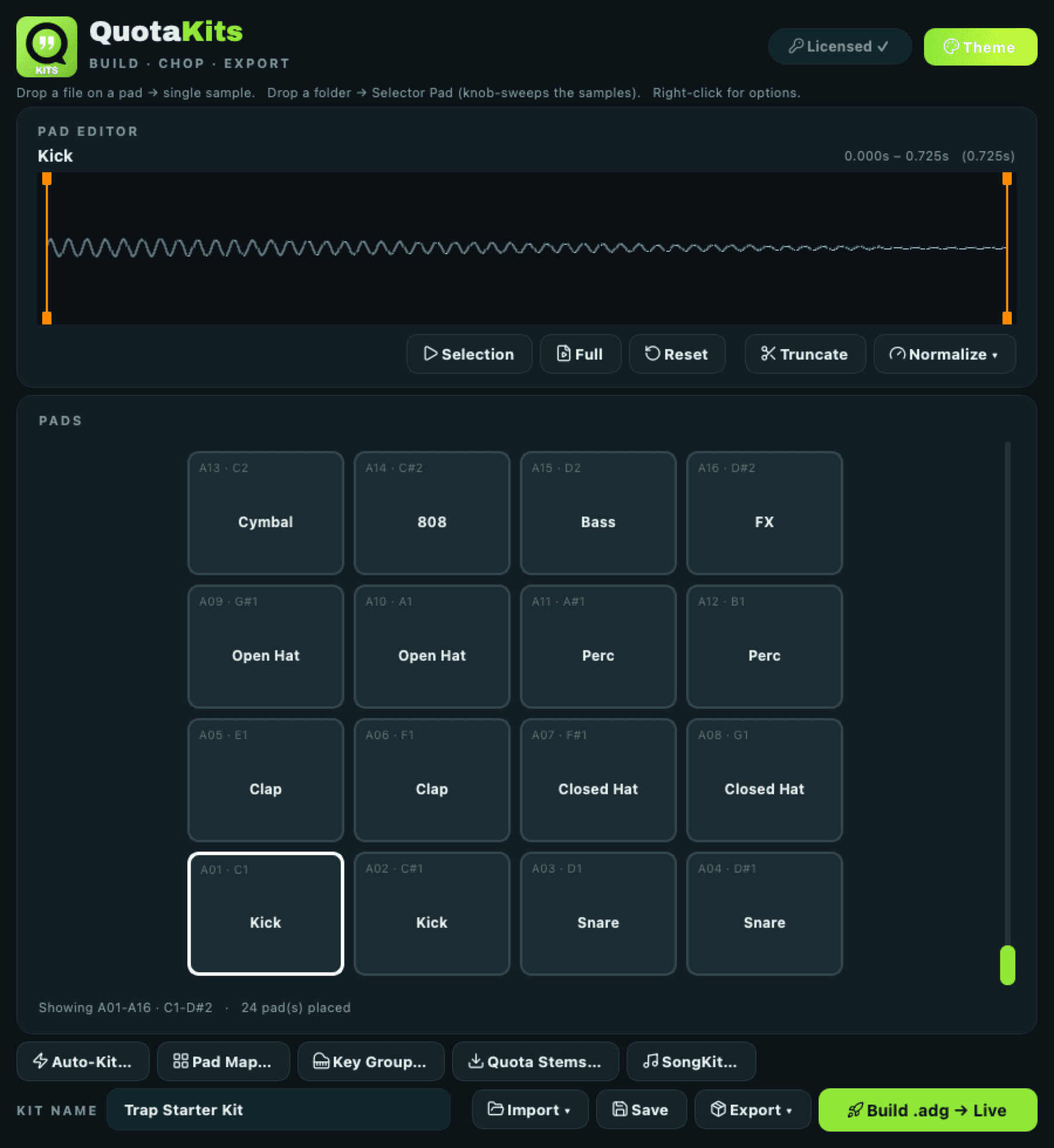
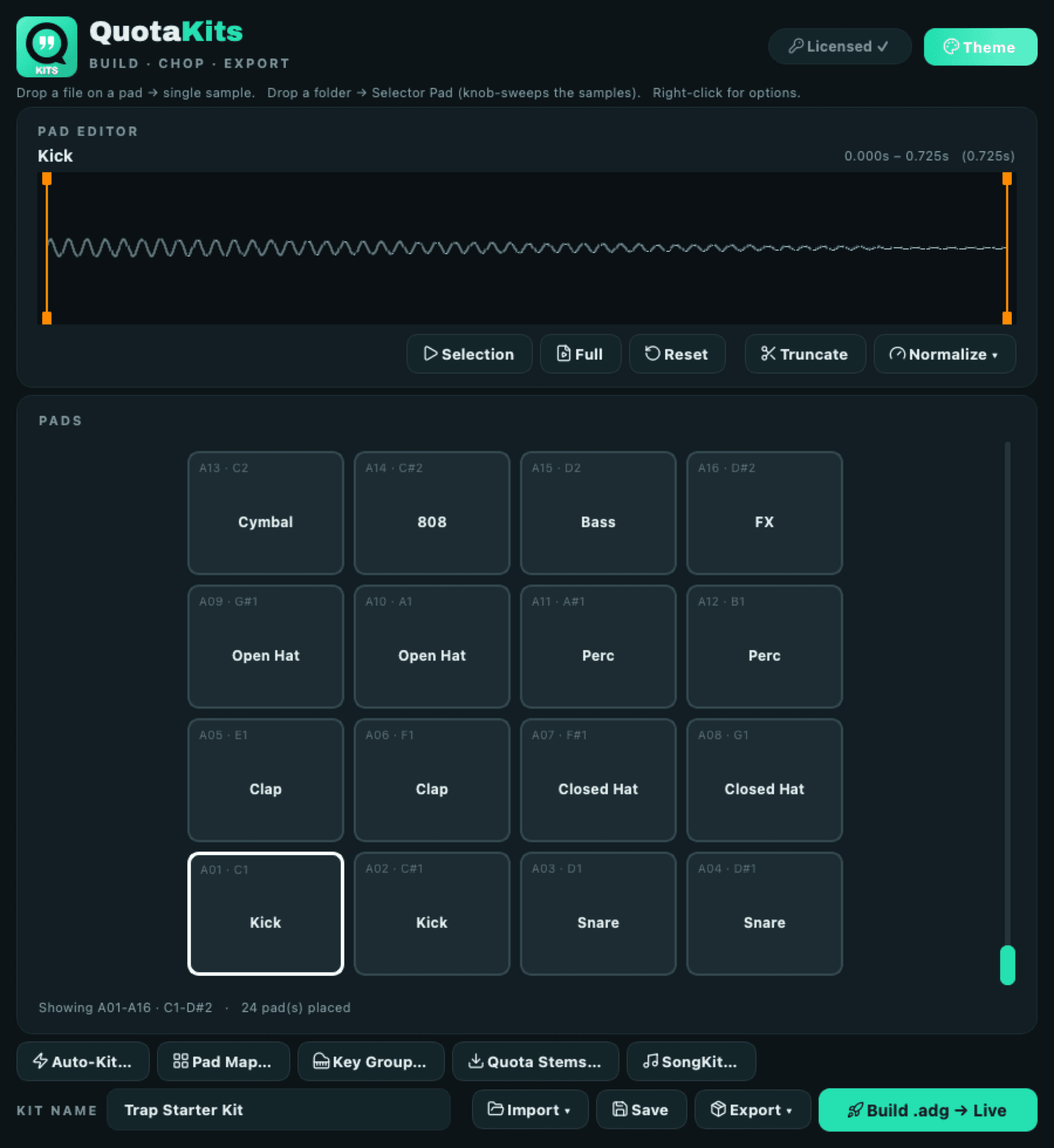
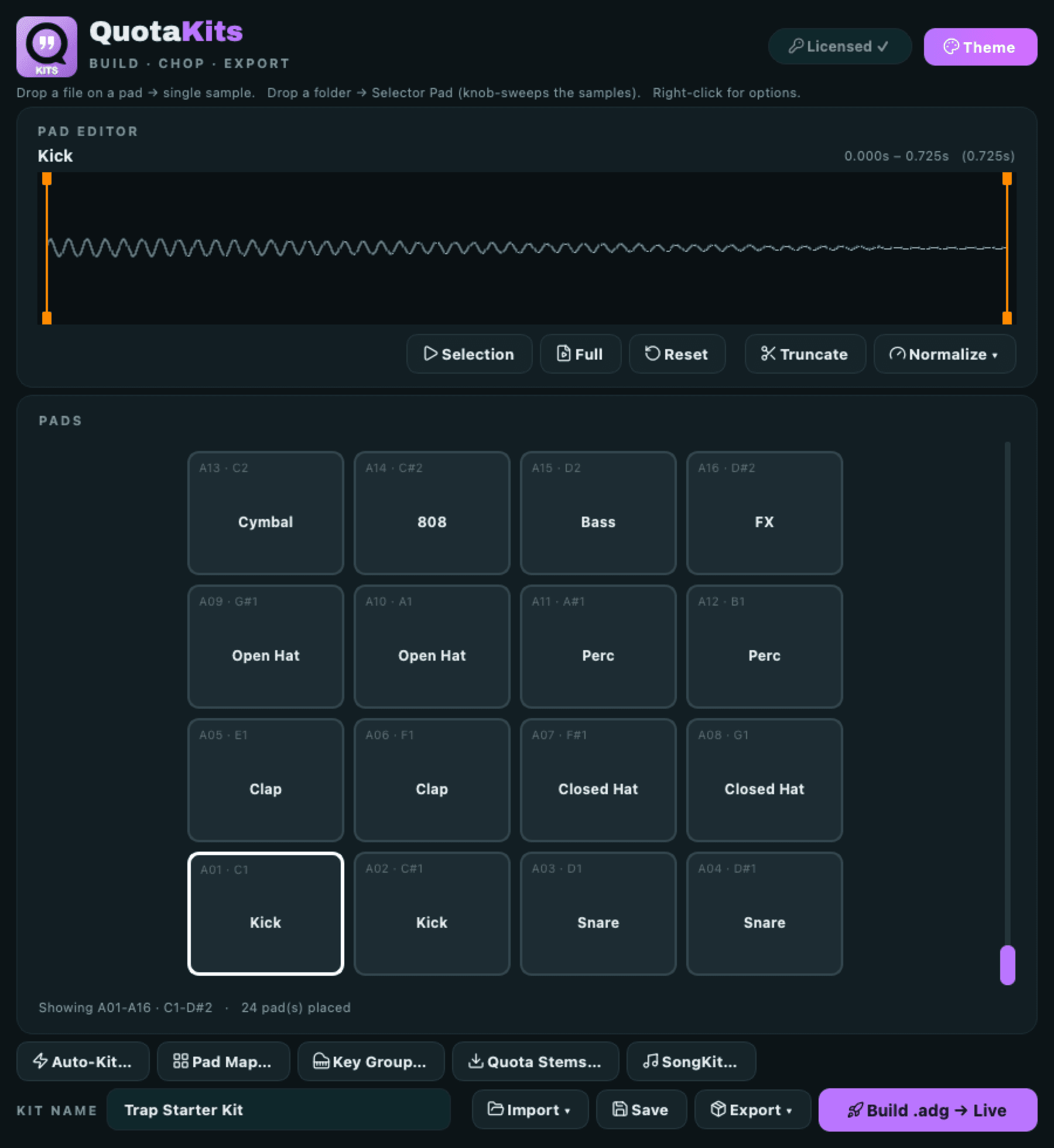
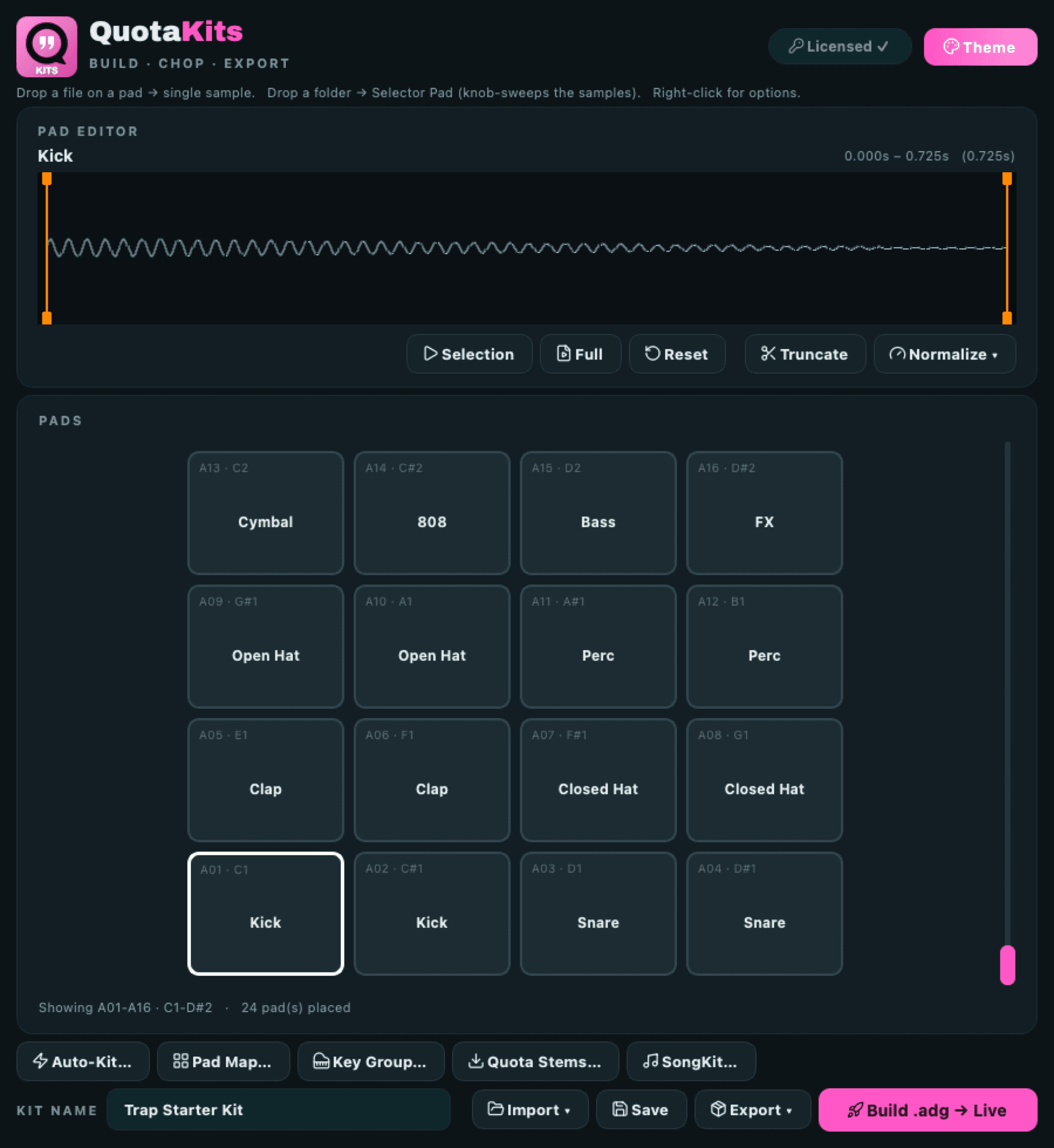
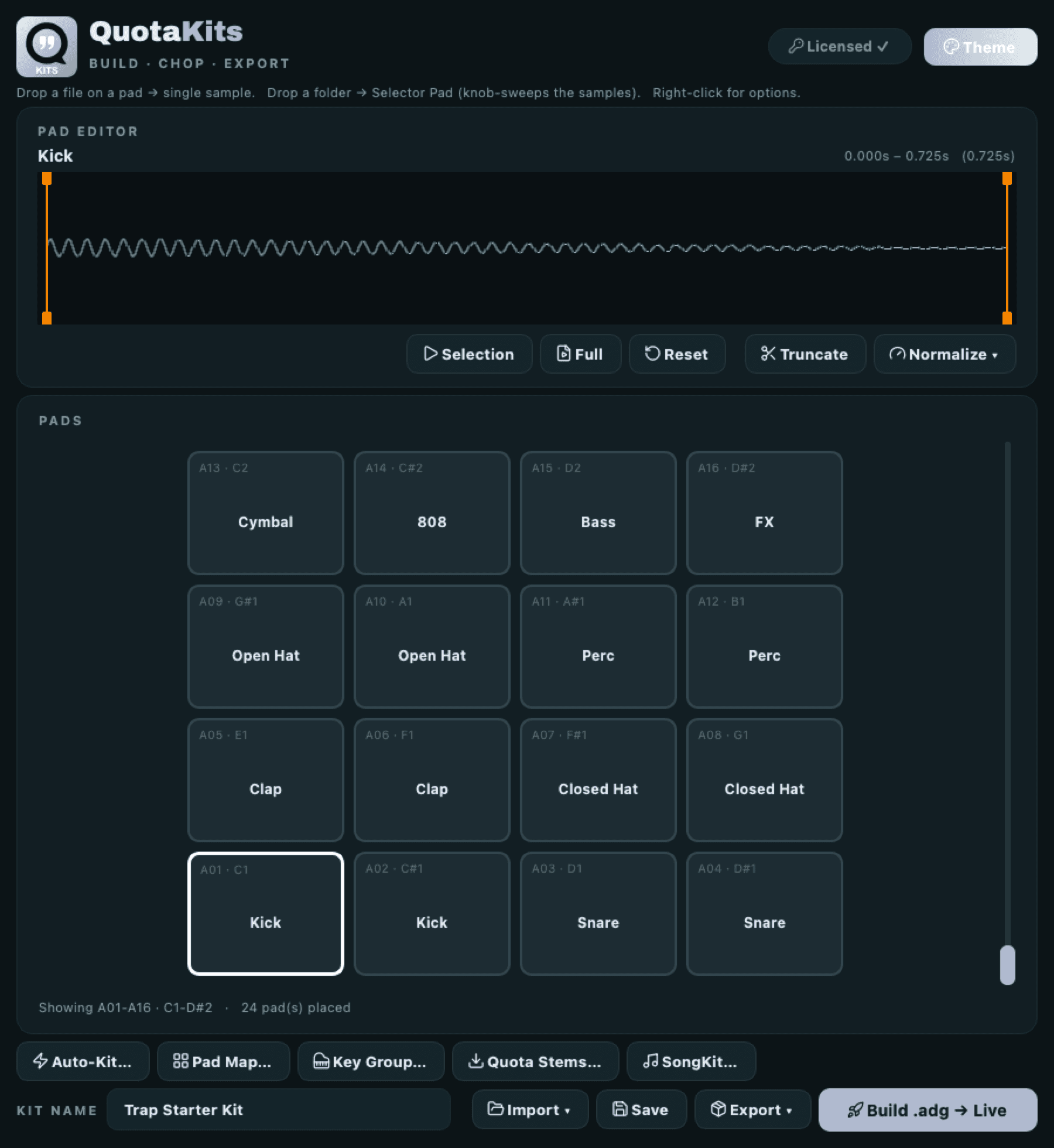
One pick recolors the whole app, grid, editor, and Selector Pads, and it remembers your choice.
Get Quota Kits.
Drop a folder. Build the rack. Load it into whatever you actually play. Download for macOS or Windows. No account, nothing phones home, it runs on your machine.
Questions: support@getquota.app