Release notes / 1.3 / current 1.3.1
Quota Kits 1.3 Makes Sampler Projects Portable
Build from one sample folder and move the project between Ableton, Koala, Akai MPC/Force, and CHOMP with more of its pads, timing, and project structure intact.
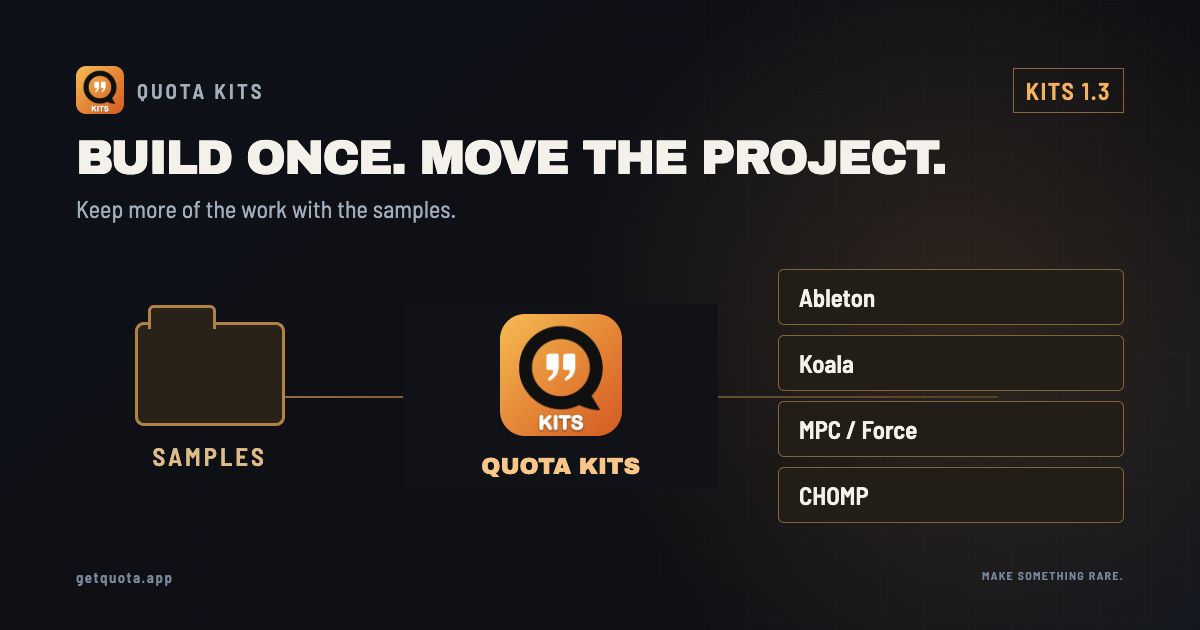
Quota Kits started with a simple promise: lay out a folder once, then build the versions your different machines need.
Version 1.3 goes beyond exporting loose samples and pad maps. It adds portable project support so more of the work can move with the sounds.
The current maintenance build is Quota Kits 1.3.1 for Mac and Windows.
More than a folder conversion
Quota Kits 1.3 can work with:
- Ableton Drum Racks;
- Koala project files;
- Akai MPC Sample project folders;
- MPC and Force program files;
- CHOMP projects;
- the existing numbered-bank and Selector Pad workflows.
Where the destination format supports it, the conversion can carry pad placement, sample references, and sequence or pattern timing instead of reducing the project to a pile of audio files.
No two samplers represent every parameter the same way. A portable project should preserve the useful structure, then leave the destination machine in a state you can keep editing.
What travels depends on the format
| Destination | Useful structure it can carry | Limit to keep in mind |
|---|---|---|
| Koala project | Pads, supported settings and sequences | Selector-pad chops may expand onto spare pads; other layers can flatten |
| MPC Sample project | Paired XPJ/media folder, pads and supported sequences | Keep the project and ProjectData folder together; export has format-specific sequence limits |
| MPC / Force XPM | Drum-program pads, settings and velocity layers | XPM does not contain a sequence; keep patterns in the recipe or source project |
| CHOMP project | Pads, supported sampler state and sequences | Read the conversion report for differences the destination cannot represent |
| Ableton Drum Rack | Playable sample/pad layout | A rack is an instrument layout, not a complete Ableton arrangement |
The conversion report explains flattening and unsupported settings. Save a Quota recipe before trying different destinations if you want to keep the imported detail.
Find the media and keep the project together
Version 1.3 adds the project-level work needed to resolve samples, discover mounted media, and rebuild the right folder structure for the destination. That matters most when a project moves between a desktop, removable storage, and a hardware sampler.
The goal is not to make every machine identical. It is to remove the repetitive part: assigning the same samples to the same pads and reconstructing the same idea every time you change tools.
What 1.3.1 changes
Version 1.3.1 standardizes the name Selector Pad throughout the app, starts new kits as My Quota Kit, and updates the manual and screenshots. Existing recipes remain compatible.
Available now
Quota Kits is $9.99 USD as a one-time Mac and Windows purchase. The trial allows five kit exports with no time limit.
The story behind the release
Your Samples Should Outlive the Machine You Started On ↗
A companion piece from the Rare Data workshop.
Sources & useful links