How to Sample Dialogue from Movies for Beats (Producer Guide)
The complete workflow for turning movie scenes, interviews, and spoken-word clips into playable sample kits for Ableton, MPC, and any DAW. No manual slicing required.
Every producer knows the feeling: you hear a line in a movie and immediately think "that would hit on a beat." But the gap between hearing the line and actually using it in a track is usually painful — scrubbing through video, manually cutting in a DAW, trying to get the timing right, cleaning up background music bleeding into the dialogue.
This guide covers the complete workflow for sampling dialogue from movies, TV shows, interviews, and podcasts — and turning those clips into production-ready sample kits.
The old way vs. the new way
The old way: Open the video in a DAW or editor. Scrub to find the line. Manually set in and out points. Export. Repeat for every clip. Manually map to a sampler. Spend an hour on setup before you even start making music.
The new way: Load the video. Let the software transcribe all the dialogue automatically. Read through the transcript, highlight the exact words you want, click a pad, and export a finished kit. Total time: minutes, not hours.
What you need
Quota Mini handles this entire workflow. It is a desktop app for macOS and Windows that transcribes speech locally, lets you highlight text to assign clips to pads, and exports everything as WAV, MP4, or full kits for Ableton Drum Rack and MPC / Force.
It has a 30-day free trial (no credit card) and costs a one-time $99 after that.
Step 1: Load the source material
Drop a video or audio file into Quota Mini. It supports MP4, MOV, MKV, AVI, MP3, WAV, FLAC, and most standard formats. The file stays on your machine — nothing is uploaded anywhere.
Step 2: Transcribe
Mini uses OpenAI Whisper to transcribe all spoken words locally on your computer. You choose the model size (Tiny for speed, Large for accuracy). Once transcription finishes, you get a full searchable transcript synced to the timeline with word-level timing.
Step 3: Find and highlight the lines you want
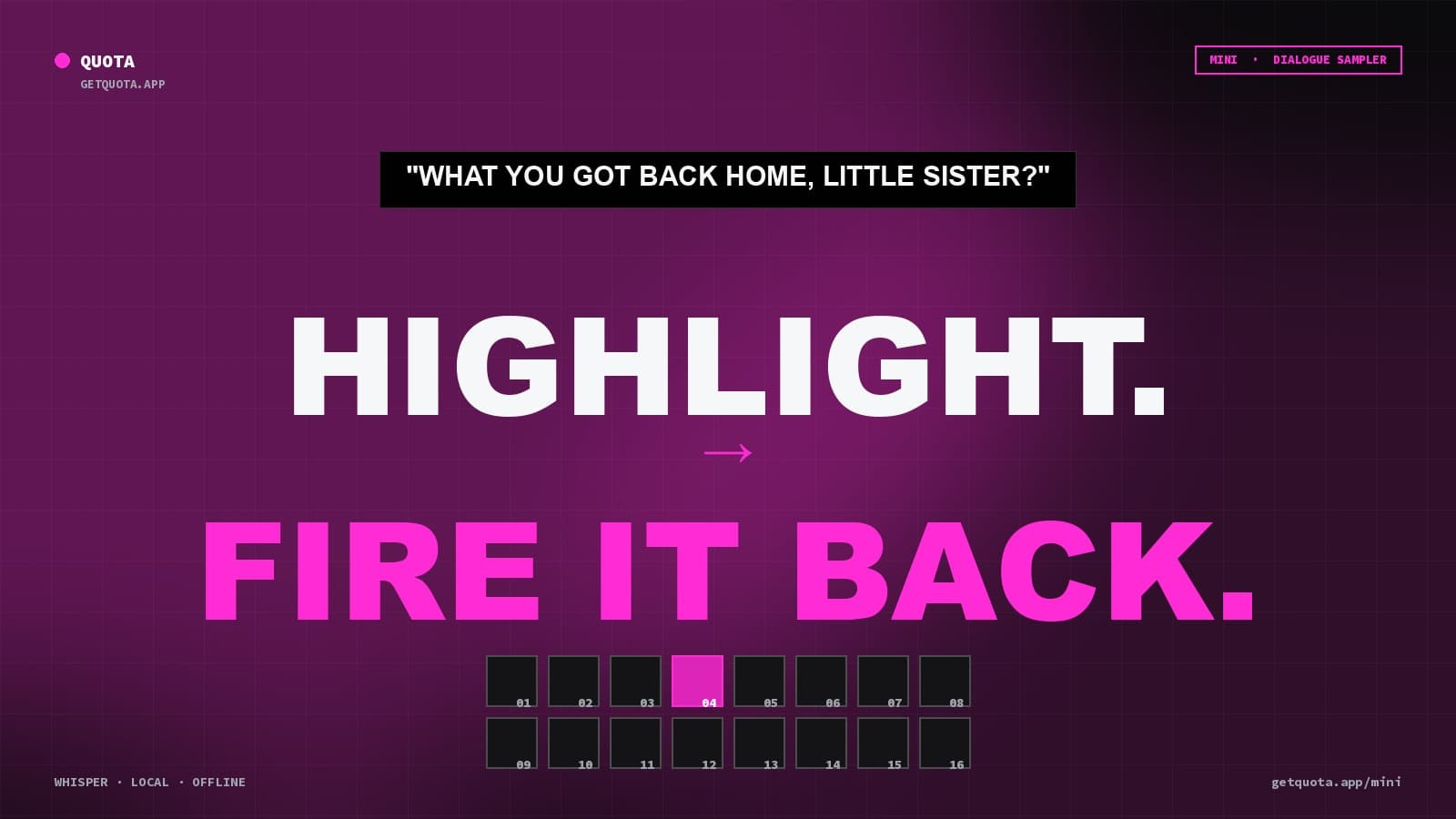
This is where it gets fast. Instead of scrubbing through audio, you read the transcript. When you find the line you want, highlight the words — just like selecting text in a document. The timing boundaries are set automatically at the word level.
You can also use the search bar to find specific phrases across long sources.
Step 4: Assign to pads
Click a pad. The highlighted text becomes a playable clip on that pad. The color-coded highlight stays in the transcript so you can see what is assigned where. Repeat for as many lines as you want.
Or use Q-Chop to auto-assign clips: it detects phrases, sentences, or fixed-length slices and maps them to pads automatically.
Step 5: Clean up (optional)
If the source has background music or noise behind the dialogue, Mini has built-in Demucs vocal isolation that strips the music and leaves clean speech. You can also normalize audio levels so all your pads hit at consistent volume.
For video clips, Mini can burn captions directly into MP4 exports — so the words appear on screen when the pad plays.
Step 6: Export
You have several export options:
- Drag individual pads as WAV or MP4 directly into your DAW or editor
- Export all pads as a folder of named clips
- Export an Ableton Drum Rack file (.adg) that drops straight into Live with all clips mapped
- Export an MPC / Force drum program ready for hardware
The kit leaves Mini ready to use. No additional setup needed.
Tips for better dialogue samples
- Use the best Whisper model your machine can handle. The Large model catches more words accurately, especially with accents or background noise.
- Clean the source first. If there is heavy background music, run Demucs isolation before assigning to pads. The difference is dramatic.
- Use caption burn-in for visual content. If you are making content for social media, having the words appear on screen makes dialogue samples hit harder in video form.
- Try Q-Chop Sentences mode. It creates linguistically complete clips that sound natural as samples rather than cutting mid-sentence.
Get started
Start a free 30-day trial of Quota Mini — no credit card required. If you also need stem separation (pulling vocals, drums, bass from music), Quota Stems is free and works alongside Mini.