Music software / 1.0.0
DJFX Looper is free for desktop and supported Force setups
Length, Speed and Loop. Get the free performance effect through Rare Data HQ on Mac, Windows, Linux and the tested Force setup.
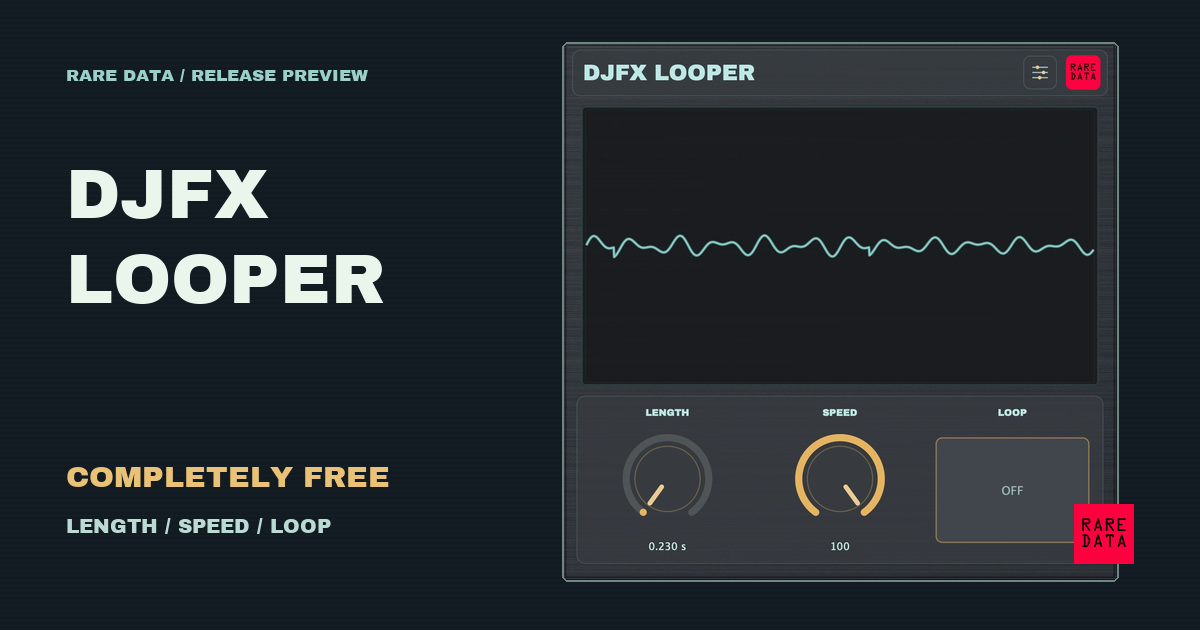
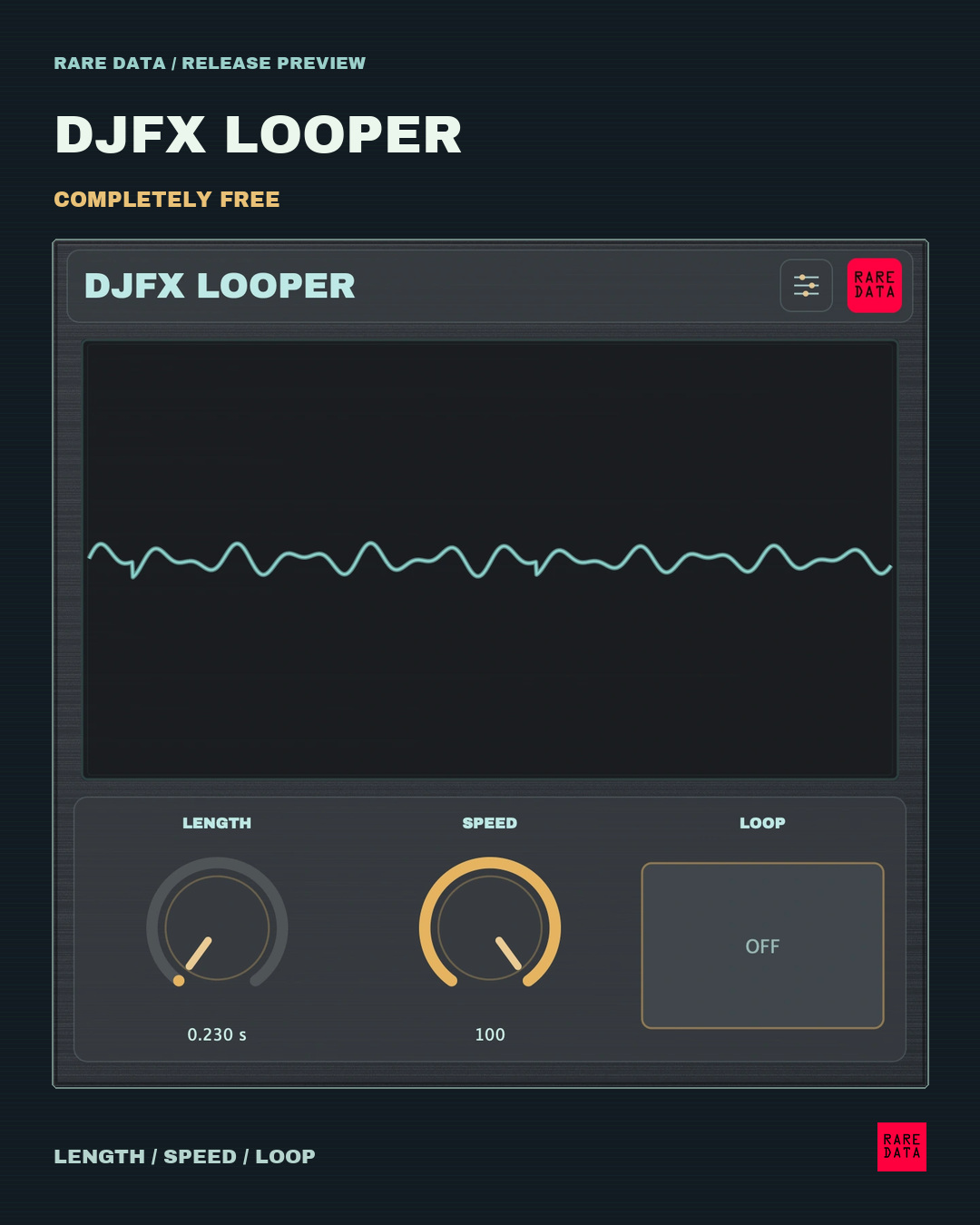
DJFX Looper is available now, completely free. Three controls — Length, Speed and Loop — turn short fragments into rolling repeats, reverse gestures and swooping textures. No trial period and no paid unlock.
Install Rare Data HQ 1.1.3, find DJFX Looper, then choose Install & manage. Desktop packages include AU/VST3 on macOS and VST3 on Windows and Linux. Separate installers on the product page include standalone apps and universal Mac support. Close your DAW before installation, then add DJFX Looper as an audio effect to a track already playing sound.
On desktop, choose knobs or sliders, scope views, steel or wood, and Momentary or Toggle Loop. Momentary is the default for new instances. Saved choices remain intact.
The Force 1.0.1 edition uses three native Q-Link knobs. Loop is OFF through halfway and ON above halfway. It has been auditioned on Force 3.9.1.2 with existing compatible root SSH, executable storage and QuotaScope helpers. HQ installs only the DJFX plug-in, retains a previous installation for recovery and restarts the instrument software after you save your project and stop playback. This package does not enable SSH, add helpers or change firmware or startup hooks. Other MPC models and firmware versions are not yet verified.
HQ requires macOS 13+ on Apple silicon, Windows x64, or Linux x64 with glibc 2.39+ and a desktop browser; Ubuntu 24.04 is tested. DJFX’s manual Mac installer is universal; its Linux archive requires glibc 2.38+.
The iPhone/iPad app is submitted and waiting for Apple review. Its App Store release is still pending. All source remains private for this release.
DJFX Looper is part of the larger QuotaFX lineup, but stays free on its own. Get DJFX Looper and see compatibility, or read the one-page quick guide.
Join the conversation
Use an existing account to comment. Your display name and comment are public.
For license or purchase questions, email support@getquota.app. Please keep license keys and personal details out of comments. Comment privacy.