Release notes / 1.5 · RELEASED
COMPA 1.5 Is Out: Rhythm Dog 808, MIDI Editing, Help and Apple Watch
Rhythm Dog 808 joins COMPA, with expanded MIDI and automation editing, exact control help, Apple Watch and a clearer path into Launch and Arrange.
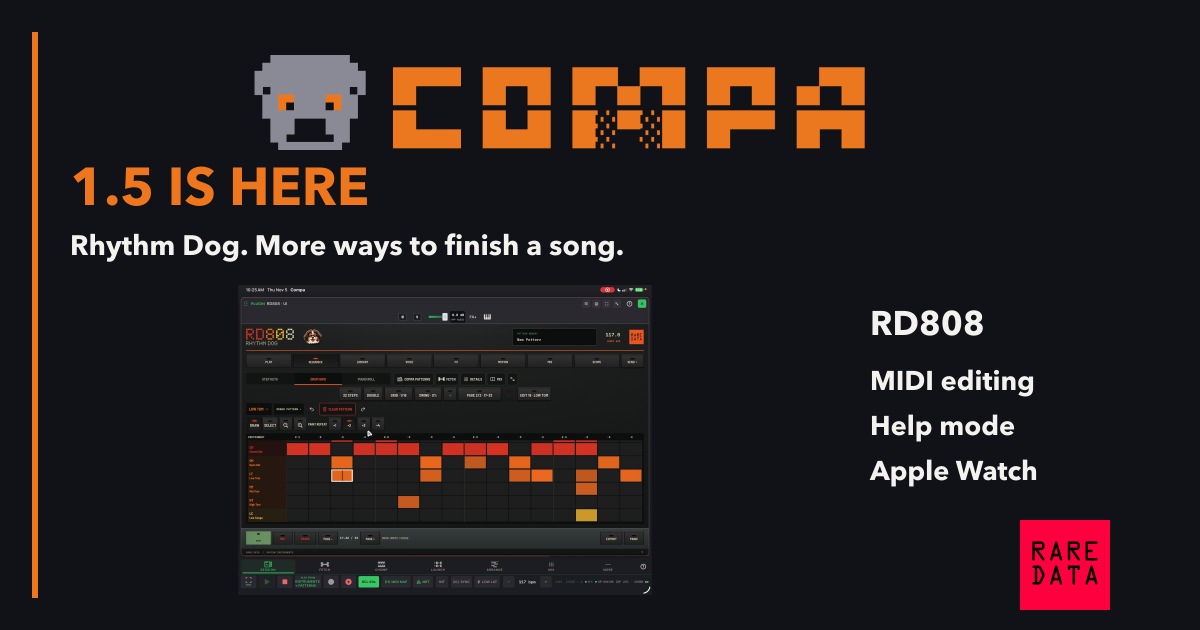
COMPA 1.5 is available for iPhone and iPad, with a companion for Apple Watch. It is a free update for existing owners. This release adds Rhythm Dog 808 and brings patterns, CHOMP sequences, Launch and Arrange closer together.
Meet Rhythm Dog 808
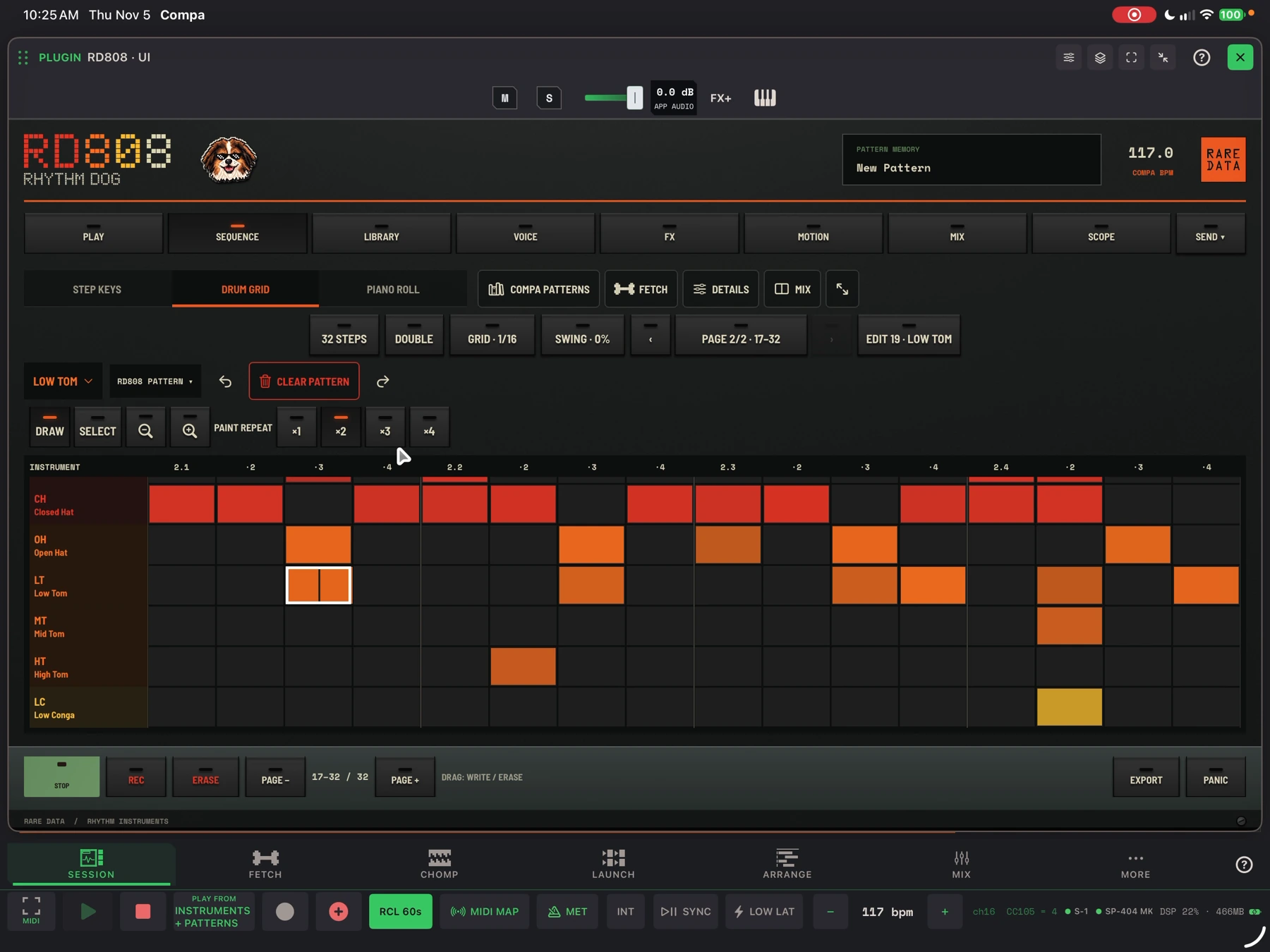
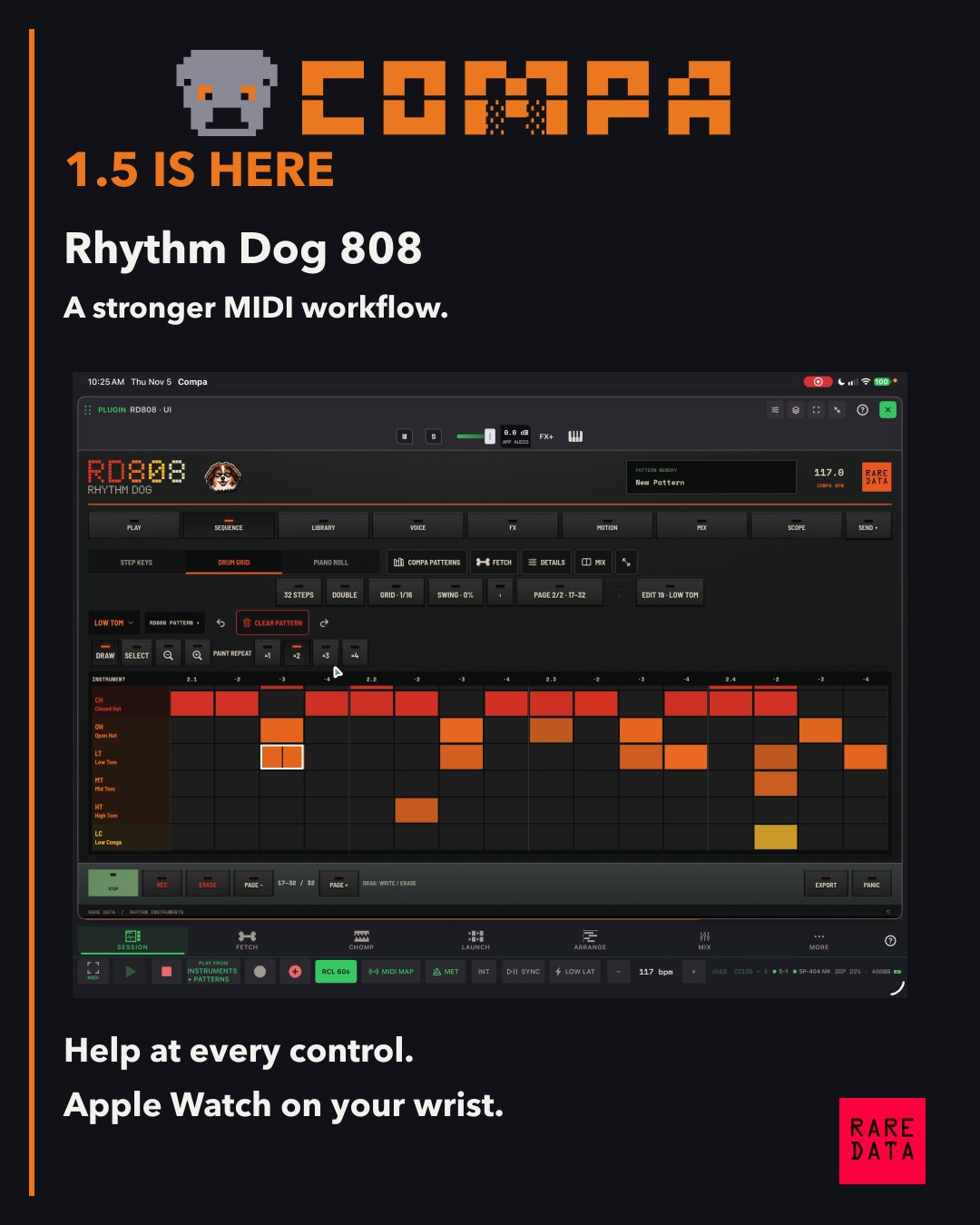
RD808 is an included drum synthesizer and AUv3 instrument with 17 parts, from the drum kit to its sub voice. Play the kit or a part chromatically, build a groove in the drum grid or piano roll, record motion, and FETCH variations for the full kit or selected parts.
Hold a pad or note in ERASE mode to remove only the hits that pass while you hold it. Undo a pass, double a pattern, adjust COMPA’s tempo from the instrument header, and send the result straight to Launch or Arrange. A wide instrument window can show the mixer beside the sequencer.
Edit the part where you use it
The expanded MIDI editors share more of the same controls across COMPA patterns, CHOMP sequences and song clips. Named, color-coded drum rows show which sound you are editing. Per-part piano rolls, expression, Chance, Ratchet and draggable loop handles let you work beyond a fixed bar-length preset.
RD808 and RD303 can send their own patterns directly to Launch or Arrange. Launch has fixed-length recording with explicit Overdub and Replace. Export MIDI when you want to take a part into another studio, or print audio when the sound is the part you want to keep.
Automation with the music in view
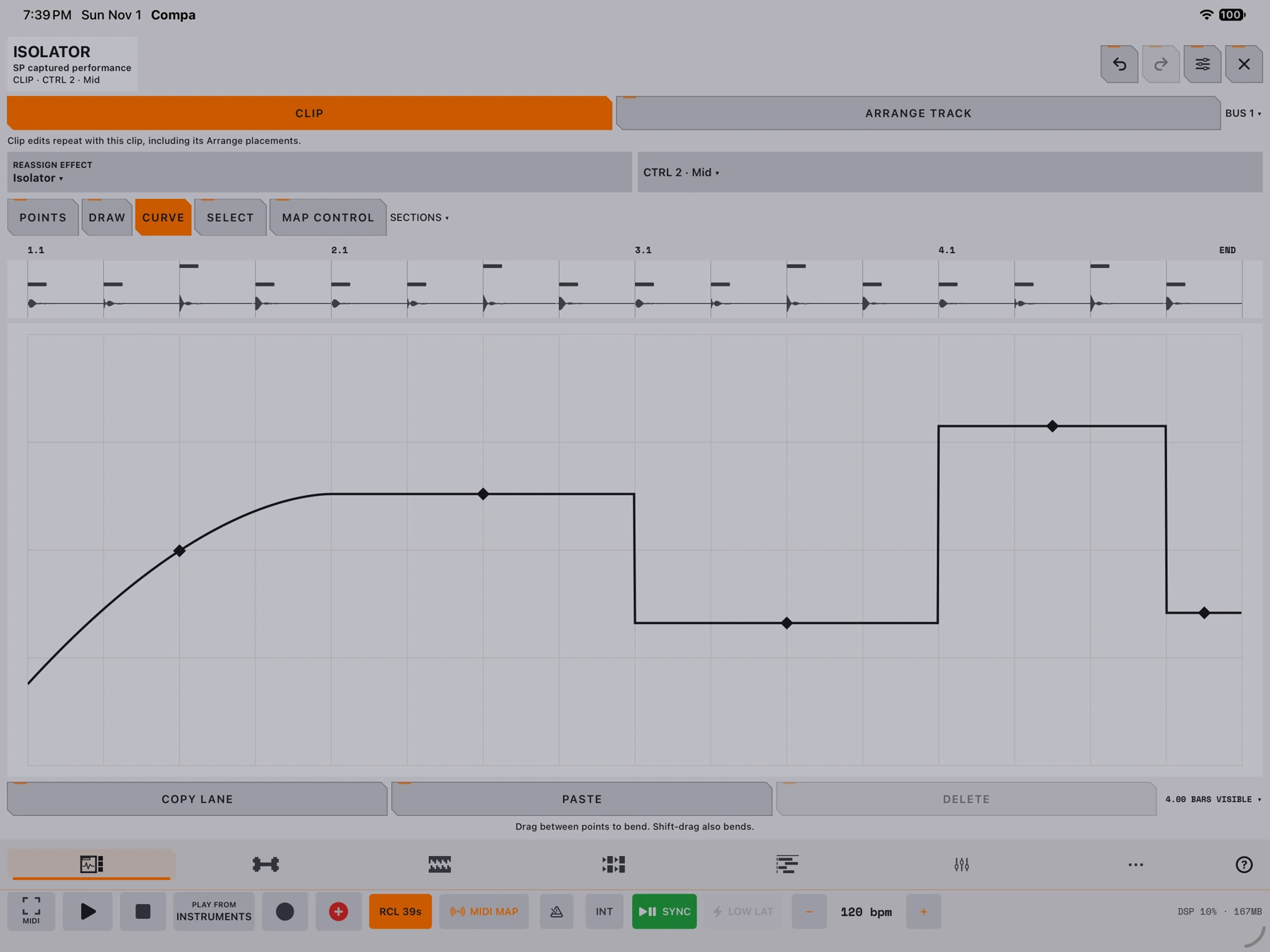
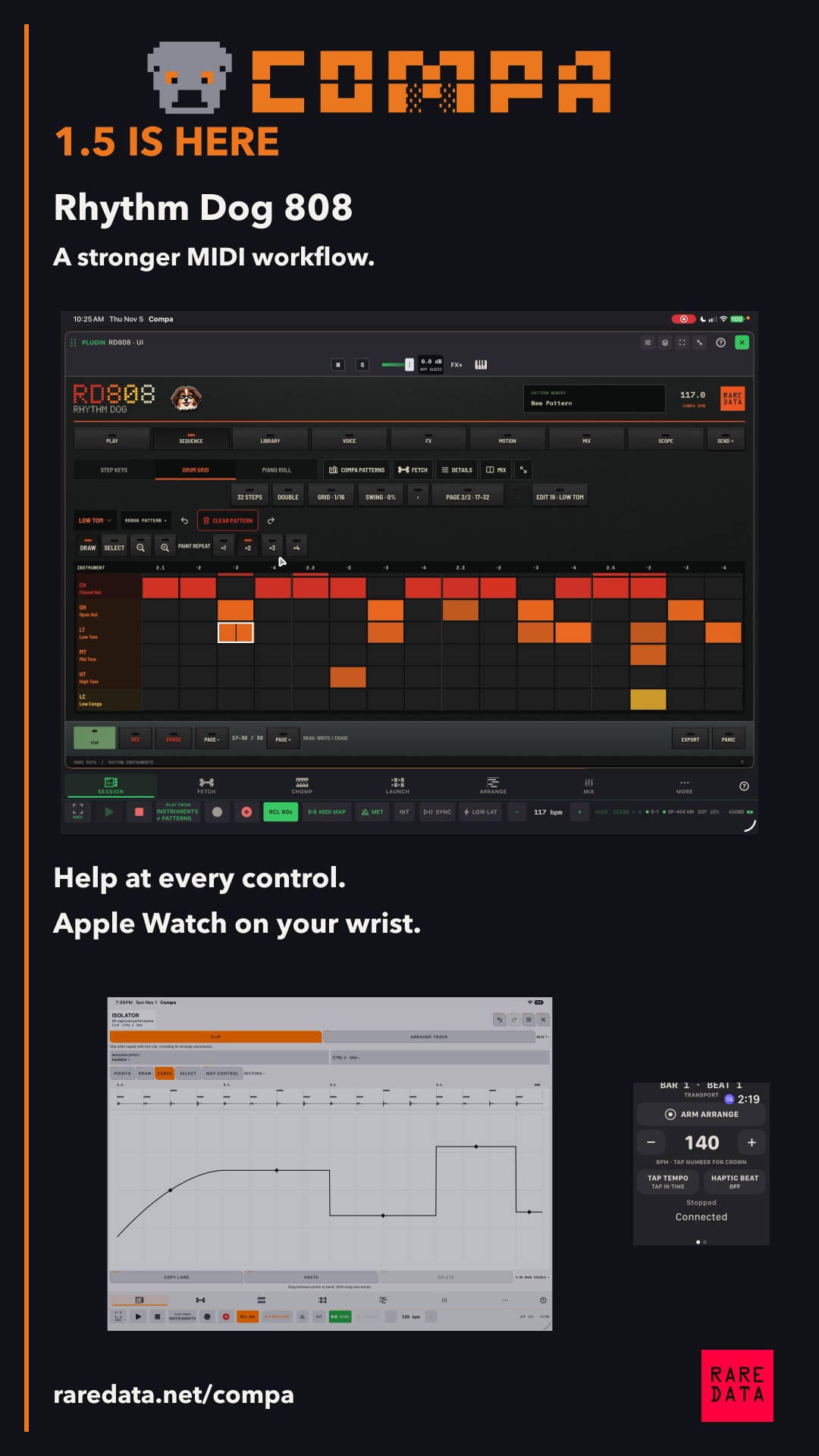
Edit automation beside the MIDI notes or audio waveform it belongs to. A captured SP effect performance can be reassigned to another effect while keeping its control movement. Parameter remapping is a separate option when you need it.
Help at the control you touched
Turn on Explain Controls with the yellow question mark, then tap a control. Its explanation describes that action, and Read the Manual opens the relevant highlighted passage. The expanded manual covers the current instruments, editing tools and hardware workflows.
CHOMP and your workspace
CHOMP is an existing part of COMPA, now with improved project naming, shared sequence editing and AUv3 continuity. Blank Slate starts it with empty pads unless you choose a default kit. Quota Kits lives inside CHOMP for building, importing, converting and exporting kits.
The release also includes DJFX Looper as an AUv3 effect, Visual Pads editing and automation improvements, Narrow/Wide mixer strips, held-peak reset, and more usable phone portrait and landscape layouts. New Hunny, Boogie, Bella, ChaCha and brindle coats join the existing materials.
Apple Watch
Use the paired Watch for MIDI or audio Capture, Play/Stop, Crown or tap tempo, Arrange arm and position, and complications. Confirmation haptics make remote actions easier to follow. Haptic Beat works while the Watch app is active with its paired iPhone.
Watch and get started
The SP automation demo at 27:04 uses COMPA Relay Mod, an optional firmware modification for the Roland SP-404MKII. The installer is available in Rare Data HQ on Apple silicon macOS and Windows x64. Linux support is coming soon. Back up your projects, check your firmware version, and follow the Relay setup guide. Install at your own risk.
There is no new subscription or feature unlock for existing COMPA owners. Current new-purchase pricing is shown on COMPA’s App Store page. Questions and reproducible reports go to support@getquota.app.
The story behind the release
COMPA 1.5: Rhythm Dog and a more connected song workflow ↗
A companion piece from the Rare Data workshop.
Sources & useful links
Join the conversation
Use an existing account to comment. Your display name and comment are public.
For license or purchase questions, email support@getquota.app. Please keep license keys and personal details out of comments. Comment privacy.