How to Chop Movie Dialogue Like Alchemist, Madlib, and El Michels Affair
Movie-dialogue sampling is its own school of production — Madlib, Alchemist, El Michels Affair. Here is the modern workflow, word-accurate and without the scrub-and-chop grind.
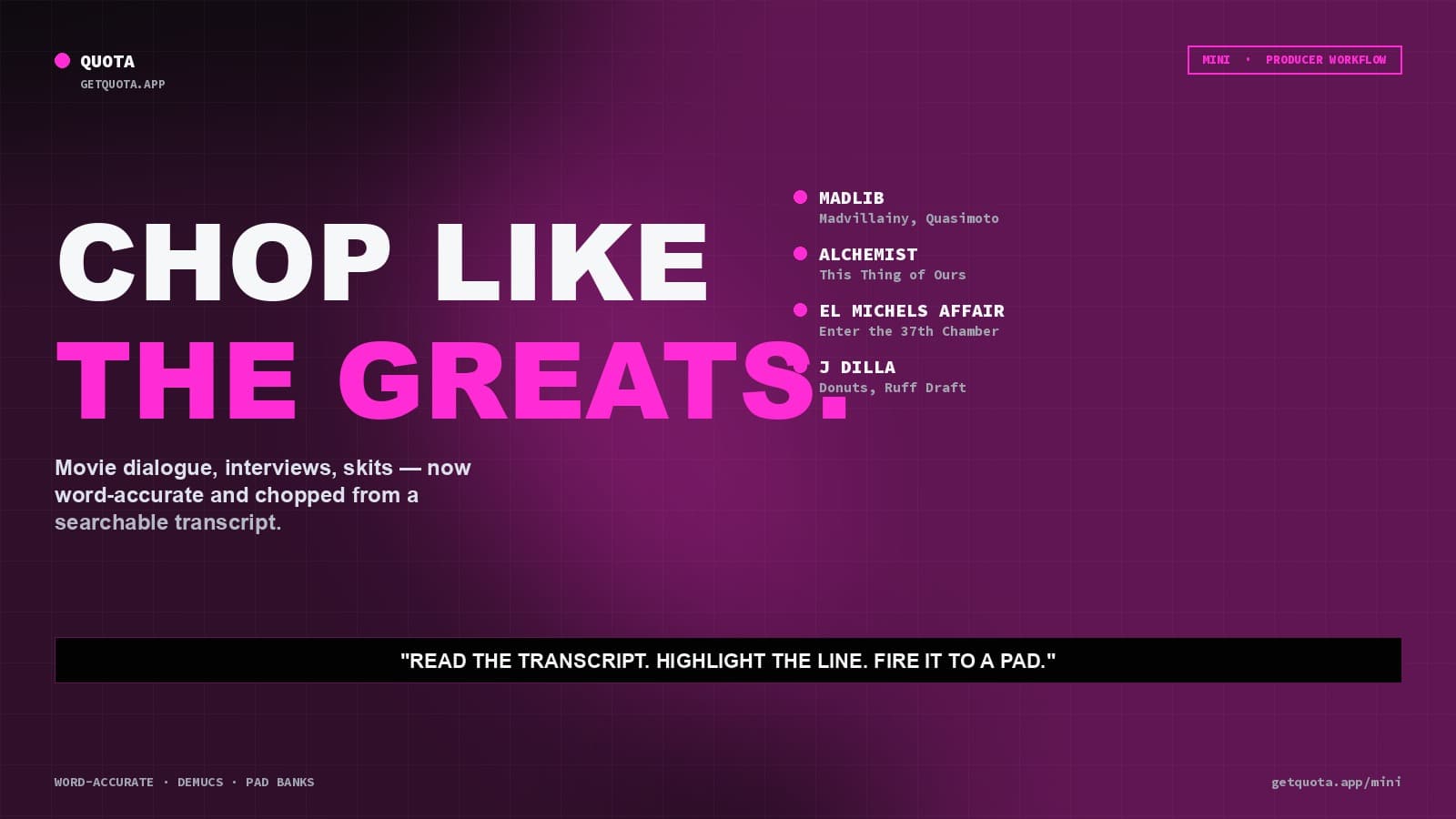
There's a lineage of producers who built entire careers off the art of chopping dialogue: Madlib threading movie skits through Madvillainy and the Quasimoto records. Alchemist stacking movie quotes inside instrumentals. El Michels Affair sampling Wu-Tang dialogue into cinematic soul. J Dilla looping Fat Albert intros.
The technique is old. The tools used to be awful — scrubbing VHS-rip waveforms in a DAW, setting in/out points by ear, exporting one clip at a time. Mini changes that part. You can now chop dialogue the way those producers wanted to chop it, only faster.
The workflow, start to finish
Step 1: Find the source. Rare movies, interviews, documentaries, stand-up, anime dubs — whatever fits the feel of the record. DVDs, Blu-rays, and YouTube rips all work.
Step 2: Load it into Mini. Drag the file in. It can be video (MP4, MOV, MKV) or audio-only — Mini keeps the video stream so you can reference what you're chopping.
Step 3: Let Whisper transcribe locally. Whisper runs on your machine, no upload. A two-hour movie transcribes in a few minutes on any modern laptop. The transcript ends up synced to the timeline with word-level timing.
Step 4: Read, don't scrub. This is where Mini changes everything. You scroll through the text of the movie and spot quotable moments. The transcript is searchable, so if you remember a word, you hit ⌘F and you're there.
Step 5: Highlight the words, not the waveform. Select a phrase the way you'd select text in a document. Mini word-locks the chop boundaries — no guessing where the syllable ends. Click a pad, the highlight becomes a playable clip.
Color-code the highlights so your transcript stays readable as it fills up with chops.
Step 6: Clean it. If the dialogue has music or background noise behind it (common in movie scenes), run Mini's Demucs vocal isolation. It strips the music and leaves the speech. Bassline gets killed, string swells get killed — the dialogue comes out isolated and usable.
Step 7: Fine-tune in waveform view. If you want to tighten a chop's borders — shave off an exhale, cut a breath — flip to waveform view and drag the trim handle. The chop updates live on the pad.
Step 8: Build out the pad bank. Expand from 16 to 64 pads if you're chopping an entire movie. The bank slider lets you move through additional banks fast — map it to MIDI so you can scan through chops with a hardware controller.
Step 9: Export. Drag individual pads as WAV into your DAW, or export the whole kit as an Ableton Drum Rack, MPC / Force kit, or a folder of named WAVs. Every clip leaves Mini named and ready.
What makes this feel like the old school
The old-school dialogue samplers relied on taste — you'd watch a movie six times, write down timecodes, carefully cut in the DAW. The mechanics were slow, which forced you to curate hard before committing to a chop.
Mini doesn't remove the taste part. You still have to know when a line is saying something. The transcript just removes the scrubbing pain, so you can cycle through more source material and develop the taste faster.
Producers like Alchemist talk about spending days listening to a single documentary to pull a few great lines. You still can — but now you're reading the transcript instead of listening in real time, which means you cover ten times the ground in the same day.
A few specific moves worth trying
- Stack chops from multiple movies on one pad bank. Four movies, 16 pads each, one 64-pad kit. Fire them in sequence across bars for that classic skit/beat montage feel.
- Use Q-Chop Sentences mode on interviews. It auto-creates complete-sentence chops. Perfect for podcasts, Charlie Rose, Rap Radar, whatever your reference is.
- Burn captions into MP4 pad exports if you're cutting content for social. The words appear on screen when the pad plays — same principle as the Genius lyric videos but for your own samples.
- Layer dialogue on top of stems. Run the song through Quota Stems, pull the instrumental, load into your DAW. Layer dialogue chops from Mini over it. The clean instrumental + clean dialogue combo is how those records actually get built.
Get started
Start a 30-day free trial of Quota Mini and chop like the greats. Quota Stems is free if you need instrumental isolation for the beat side.