How to Build an Ableton Drum Rack from Any Podcast
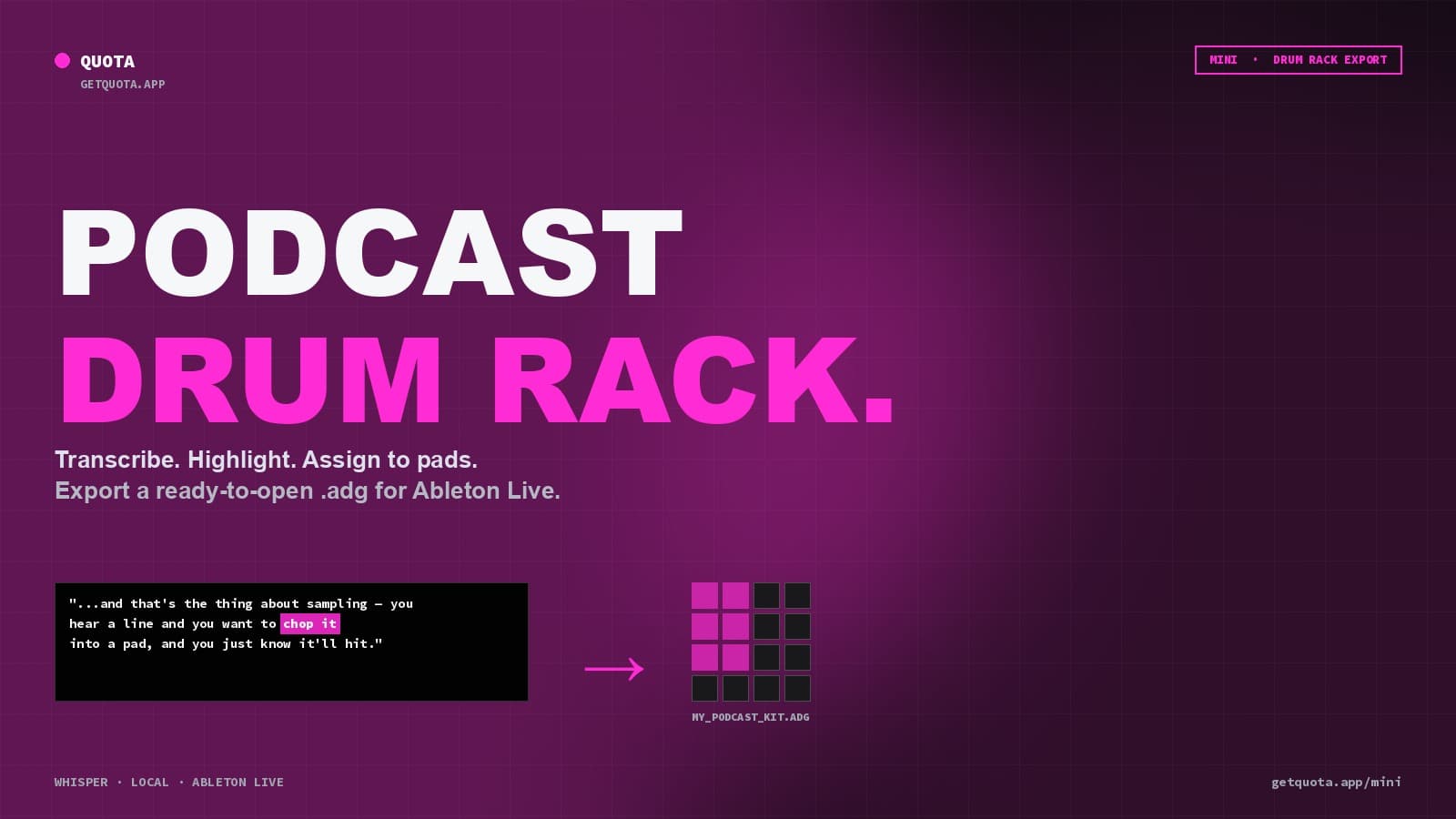
Turn any podcast episode into a ready-to-open Ableton Drum Rack in minutes. Highlight the lines you want, export the kit, drop the .adg into Live.
Podcasts are one of the richest sources of sampleable dialogue on the internet — long-form, varied voices, weird tangents, quotable one-liners. The problem has always been extraction: finding the specific moment you want in a two-hour episode, then cutting it cleanly and getting it into your DAW.
This guide covers the fastest way to go from a podcast file to a playable Ableton Drum Rack, with every sample already mapped and named.
What you need
- Quota Mini (macOS or Windows) — free 30-day trial, $99 one-time after that
- Ableton Live (any edition — Intro, Standard, or Suite)
- A podcast file or episode (MP3, WAV, MP4, or most other formats)
Step 1: Load the episode
Drag the podcast file into Mini. If you're grabbing an episode directly from a platform, download the MP3 first — Mini handles local files and loads them instantly.
Step 2: Let Whisper transcribe
Mini runs OpenAI Whisper locally on your machine. Pick a model size — Tiny for a fast pass on a long episode, Large for the best accuracy on a shorter one. The transcript stays on your computer; nothing uploads to the cloud.
Once transcription finishes, the whole episode is searchable text synced to the audio, with word-level timing.
Step 3: Mine the transcript
Instead of scrubbing a 90-minute waveform, you read. Use the search bar to jump between mentions of a phrase, or scroll the transcript and watch for moments worth chopping.
This is the single biggest time-saver — you're reading the episode at reading speed, not listening in real time.
Step 4: Highlight and fire
When you find a line, highlight the words with your mouse like you're selecting text in a document. Click an empty pad, and the highlight becomes a playable clip on that pad. Mini word-locks the boundaries so the chop starts and ends exactly where you expect.
Repeat for every line you want in the kit. You can color-code highlights so the transcript stays readable as it fills up.
Step 5: Export to Ableton Drum Rack
From the Export menu, choose Ableton Drum Rack. Mini generates a single .adg file that contains every pad, correctly named, pre-mapped to MIDI pads C1–D#2 by default.
If the podcast had music behind the voices (intro, ads, stingers), run Mini's Demucs vocal isolation before assigning pads. The dialogue comes out cleaner and the samples hit harder in a beat.
Step 6: Drop it into Live
Open Ableton Live. Drag the .adg file onto a MIDI track. The Drum Rack loads with every clip mapped — you can start triggering pads from your controller or the MIDI keyboard immediately.
Every clip shows its chop name in the Drum Rack (so you remember what each pad actually says), and you can route individual pads to separate audio channels for per-sample processing.
Bonus: building a library
Mini saves projects, so you can come back and re-export kits whenever you want. If you're building a library of dialogue chops from an ongoing podcast you like, save each episode as its own Mini project, then export kits on demand.
A useful pattern: use Q-Chop Sentences mode to auto-generate a starter kit of every complete sentence in the episode, then refine by hand — keep the 16 or 32 lines you actually want and delete the rest.
Why this beats the alternatives
- Manually chopping in Live means scrubbing, setting warp markers, chopping to Simpler, repeating for every clip. Ten minutes per sample minimum.
- Cloud-based transcribers upload your files, return a transcript with no built-in chopping workflow, and cost monthly subscriptions.
- Mini does transcription locally, chopping in the same interface, and exports a Drum Rack in one click. No subscription, no upload.
Get started
Start a 30-day free trial of Quota Mini. If you're also pulling samples from full songs (vocals, instrumentals), Quota Stems is free and hands off cleanly to Mini.